API testing often proves that an endpoint accepts a request and returns the expected response, but modern web applications have another gatekeeper: the browser. Permissions prompts, origin boundaries, embedded frames, privacy settings, and policy headers can all decide whether client code is allowed to call or use an API at runtime.
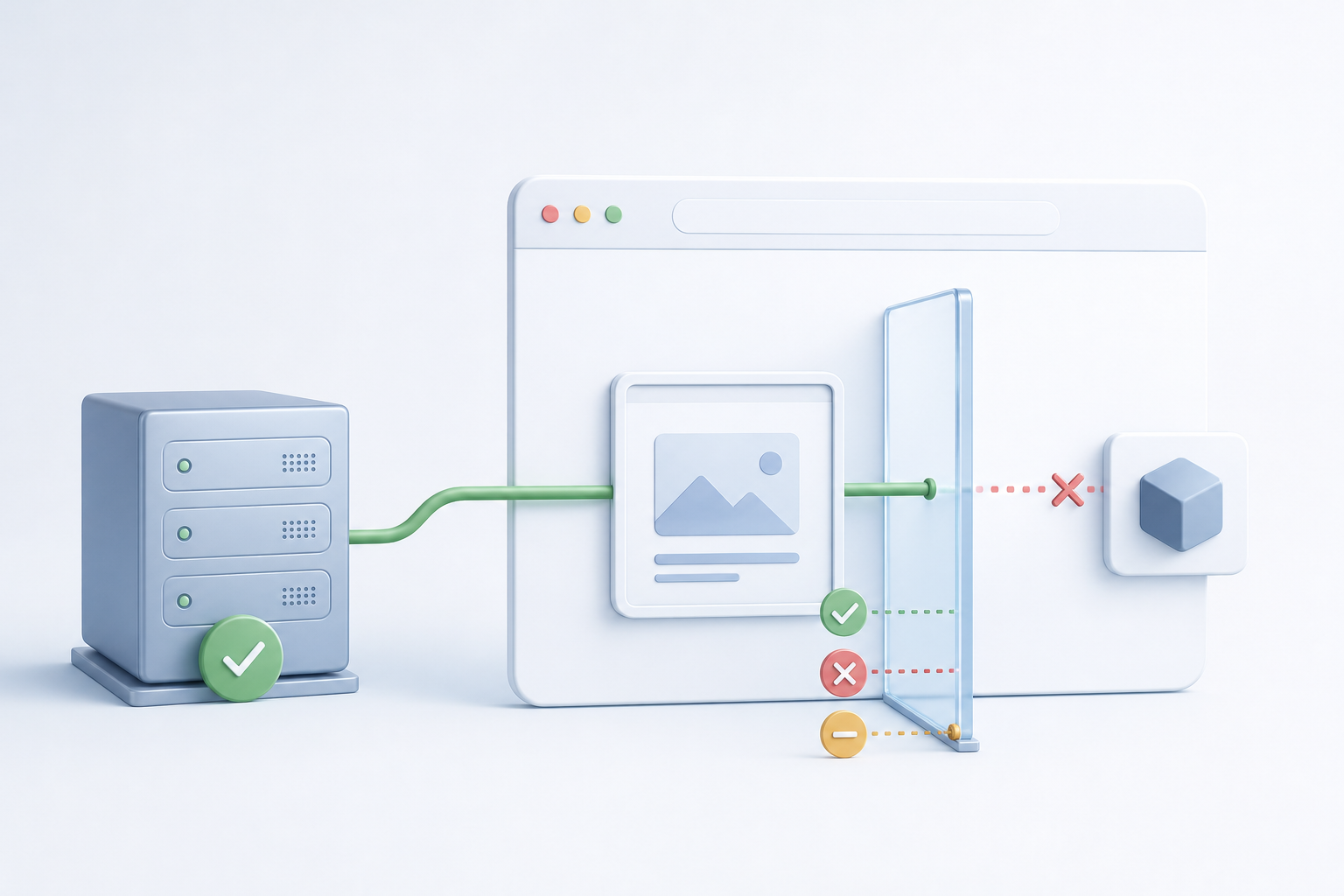
Endpoint tests answer whether the service works when called directly. Browser-runtime API tests answer whether the feature works from the real page, origin, frame, permission state, and browser configuration used by customers. Strong API coverage needs both layers because a valid HTTP response is not the same as a usable client-side capability.
Why Endpoint-Only API Tests Miss Browser-Enforced Failures
Traditional API tests usually run outside the browser. They use tools, scripts, or contract checks to send HTTP requests directly to a server. That is valuable for validating schemas, status codes, authentication, rate limits, error handling, and data integrity, but it bypasses browser rules that affect client-side behavior.
A browser may block or alter behavior before the endpoint is meaningfully exercised by the user interface. A feature can fail because JavaScript cannot access a sensor, an embedded document is not allowed to use a capability, a request violates cross-origin rules, or the user has denied a permission. In those cases, the server may be healthy while the product still fails.
The distinction matters most for web features that depend on browser-mediated APIs: camera, microphone, geolocation, clipboard, storage, payment, Web Bluetooth, WebAuthn, notifications, and embedded third-party workflows. It also affects ordinary HTTP APIs when they are called from pages with cross-origin constraints or from browser extension contexts. MDN’s Permissions Policy guide describes how browser features can be enabled, disabled, or constrained by policy, particularly in nested and cross-origin contexts.
Three Layers of Browser-Aware API Validation
A practical test strategy separates API behavior into layers. This avoids the common mistake of trying to test every policy scenario through expensive end-to-end tests while also avoiding the opposite mistake of trusting endpoint tests alone.
| Layer | Primary question | Common evidence | Typical pitfall |
|---|---|---|---|
| Contract and service API | Does the endpoint behave correctly when a valid client calls it? | Status codes, response schema, authorization rules, error payloads | Assuming server success means browser usability |
| Browser-runtime access | Can the page, frame, or script call the browser capability or network API? | Permission state, policy state, console errors, blocked calls, UI fallback | Testing only a default allowed browser profile |
| User workflow | Does the feature remain understandable and recoverable for the user? | Prompt handling, denial messaging, retry behavior, accessibility checks | Verifying technical access but missing failed recovery paths |
This layering helps teams decide where each assertion belongs. For example, an API contract test should verify that an upload endpoint rejects an invalid token. A browser-runtime test should verify that the upload button cannot silently claim success when the browser blocks file, camera, or cross-origin access. A workflow test should verify that the page explains what the user can do next.
Permissions Policy and Origin Rules in Plain Terms
Permissions Policy is a browser mechanism that lets a site control which browser features are available to documents and embedded frames. It can be set by HTTP headers or, for frames, by attributes on the embedding element. The result is not just a security detail; it is a user-visible product behavior.
Origin rules define boundaries between scheme, host, and port combinations. A page from one origin does not automatically have the same access as a page from another origin. Cross-origin resource sharing, cookie settings, iframe restrictions, extension permissions, and browser privacy controls can all influence what a script can read or do.
For testers, the important principle is simple: the same JavaScript call can produce different results depending on where it runs. A camera feature on the top-level application page might work, while the same feature inside a partner iframe fails because policy does not delegate access. A request made from a local test harness might succeed, while the production page fails because its real origin is not allowed.
What should testers verify when an API depends on browser permission?
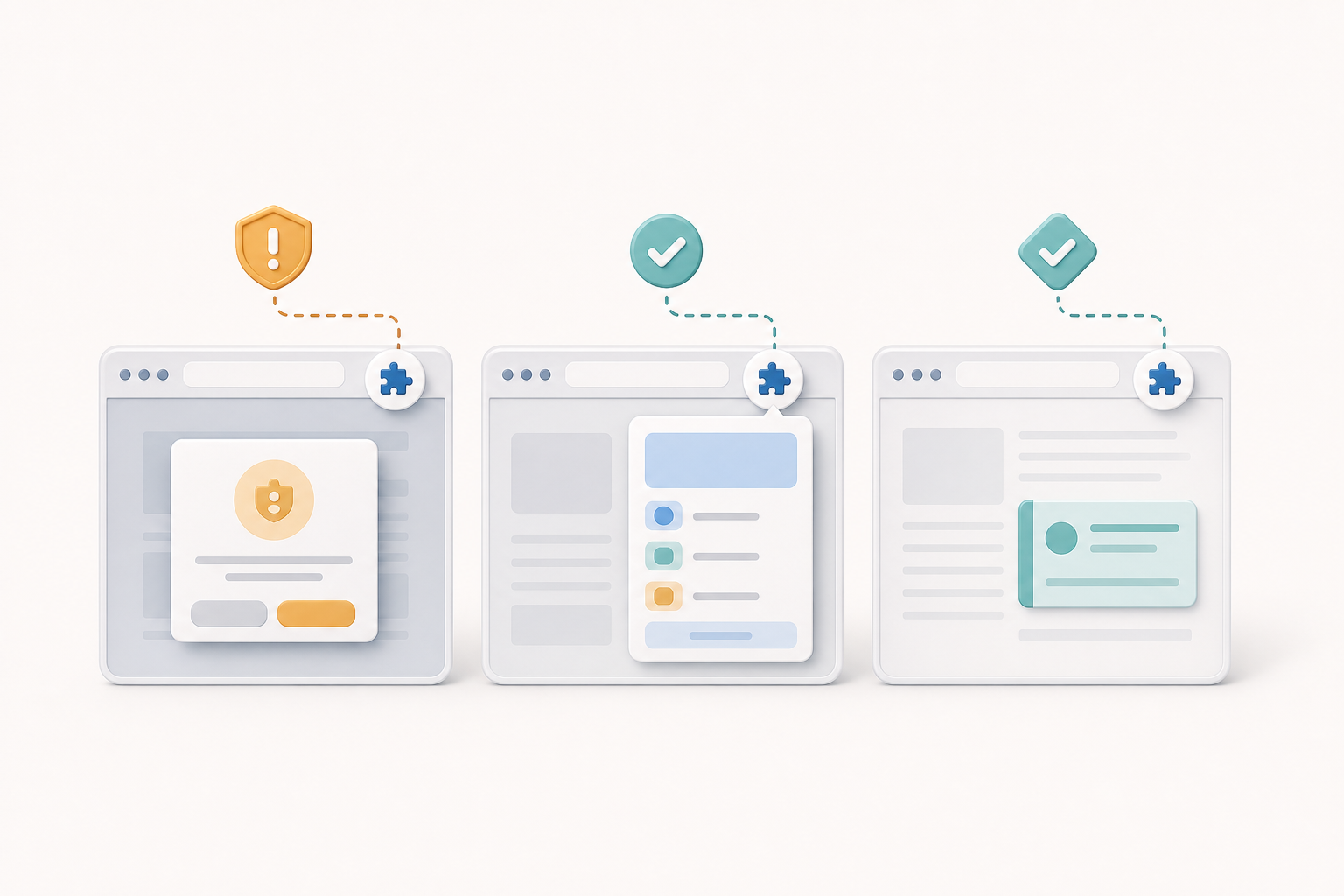
Testers should verify at least four states: permission not yet requested, permission granted, permission denied, and permission unavailable because policy or browser settings block it. These states are not interchangeable. A denied permission may allow a retry path through browser settings, while a policy-blocked capability may require a deployment or embedding change.
Assertions should cover both the technical signal and the visible behavior. If a camera API is denied, the test should not stop at detecting an exception. It should also confirm that the user is not left with a spinner, that the error message is accurate, and that the product does not send a misleading success event.
How do cross-origin iframes change API behavior?
Cross-origin iframes create a nested browsing context where the embedded document may not inherit all capabilities of the top-level page. The embedding page, embedded page, policy headers, iframe attributes, and browser implementation all become part of the test environment. MDN notes that Permissions Policy is especially relevant for controlling feature availability in embedded content through headers and frame-level delegation in its Permissions Policy documentation.
Do not assume that testing the embedded application as a standalone page is enough. If customers use it inside a merchant portal, support widget, learning platform, or partner dashboard, test it inside that host-like context. The contract may be identical, but the browser boundary is different.
Designing Tests for Policy, Permission, and Runtime Context
A useful browser-aware API test begins with a matrix of contexts, not a list of endpoints. Identify the feature, the browser capability or network API it relies on, the origins involved, the top-level and embedded contexts, and the permission states that matter. Then decide which combinations are risk-based and worth automating.
- Top-level same-origin page: confirms the baseline feature works where browser restrictions are minimal.
- Top-level cross-origin API call: validates expected behavior when the frontend origin differs from the service origin.
- Cross-origin iframe: checks whether feature delegation, isolation, and fallback behavior are correct.
- Denied permission state: verifies graceful handling when the user refuses access.
- Policy-blocked state: verifies the application detects unavailable capability instead of repeatedly prompting or failing silently.
- Browser setting disabled: checks behavior when the browser or enterprise environment disables a capability.
The same thinking applies to browser extensions and add-ons, where privileges differ between pages, extension contexts, and content scripts. MDN’s content scripts documentation explains that extension scripts run in constrained page contexts and have specific access boundaries. Teams working in that area should also consider a dedicated browser extension testing strategy because install flows, manifest permissions, and per-browser behavior add another layer.
Example Test Cases and Assertions
The following examples show how to express browser-runtime risks as testable behavior. The exact automation API will vary by tool and browser, so treat these as patterns rather than universal scripts.
Can the page distinguish denied permission from unavailable capability?
A common failure mode is treating every browser error as the same generic failure. Good client-side API validation distinguishes user denial from policy unavailability, unsupported browser behavior, insecure context, and service failure. This matters because each case requires a different user message and a different engineering fix.
async function getCameraStatus() {
  if (!navigator.mediaDevices || !navigator.mediaDevices.getUserMedia) {
    return { state: "unavailable", reason: "api-not-present" };
  }

  try {
    const stream = await navigator.mediaDevices.getUserMedia({ video: true });
    stream.getTracks().forEach(track => track.stop());
    return { state: "granted" };
  } catch (error) {
    if (error.name === "NotAllowedError") {
      return { state: "denied-or-policy-blocked" };
    }
    return { state: "failed", reason: error.name };
  }
}
A browser-runtime test could assert that a denied or blocked state shows a recovery message, disables dependent controls, and avoids sending a completed onboarding event. A service-level test cannot validate those browser outcomes.
What should an iframe policy test look like?
For embedded products, create a minimal host page that resembles the real customer integration. Test the widget or embedded app in at least two versions: one where the expected feature is delegated and one where it is not. The negative case is important because it proves the product fails safely when an integrator omits required policy configuration.
<iframe
  src="https://embedded.example.test/widget"
  allow="camera; microphone">
</iframe>

<iframe
  src="https://embedded.example.test/widget">
</iframe>
Useful assertions include whether the embedded application detects the missing capability, avoids an infinite prompt loop, provides integration guidance in non-production diagnostics, and preserves accessibility focus when an error panel appears. If your wider strategy includes browser differences, connect these checks with a cross-browser testing plan rather than running them only in a single engine.
Tooling Choices for Browser-Dependent API Testing
No single tool covers every layer equally. API clients are fast and excellent for service validation. Browser automation is slower but necessary for policy, permission, and real execution context. Manual exploratory testing remains valuable for permission prompts, settings screens, and accessibility of recovery flows.
| Approach | Best for | Not enough for | Practical advice |
|---|---|---|---|
| API client tests | Contracts, schemas, status codes, auth and authorization rules | Browser prompts, policy headers as experienced by the page, iframe behavior | Keep them broad and fast; do not overload them with UI expectations |
| Browser automation | Permission states, cross-origin frames, client-side errors, user-visible fallback | Exhaustive endpoint combinations | Use a focused matrix around high-risk browser capabilities |
| Manual exploratory testing | Prompt wording, settings recovery, unusual browser configurations | Repeatable regression coverage at scale | Pair with automated smoke checks for critical paths |
| Static configuration review | Headers, iframe attributes, extension manifests, deployment differences | Actual runtime behavior across browsers | Use it as an early warning, then confirm in a browser |
For browser extensions, manifest permissions influence what APIs or origins an extension can access. MDN’s permissions reference documents how requested permissions relate to extension capabilities and host access. Although standard web apps use different mechanisms, the testing lesson is similar: declared permission and runtime availability must both be verified.
Security, Privacy, and Accessibility Pitfalls
Browser-enforced restrictions usually exist for security and privacy reasons. Tests should not normalize bypassing them. The goal is to confirm that the application requests only the access it needs, handles refusal respectfully, and does not pressure users into unsafe choices.
One pitfall is writing tests that always pre-grant every permission. That may stabilize automation, but it hides the first-run experience and denial path. Another pitfall is verifying only the happy path in a clean profile. Real users may have blocked a permission months earlier, disabled a capability in browser settings, or opened the app inside a corporate-managed environment.
Accessibility also belongs in this conversation. Permission failures often trigger dialogs, banners, modals, and error panels. The W3C WAI’s accessibility evaluation overview frames evaluation as a combination of checks, tools, and human judgment, which is a useful model for validating recovery flows. If a denied permission message is not keyboard reachable or screen-reader understandable, the browser behavior has still produced a product defect.
Building a Maintainable Test Matrix
Start with the riskiest features, not every possible browser option. A concise matrix is easier to maintain and more likely to catch real regressions. For each feature, record the browser capability, required origin relationship, required policy or header, permission states, expected UI behavior, and owner of the configuration.
Use environment parity carefully. Local development servers, staging domains, and production domains may differ in scheme, host, certificate, cookies, headers, and embedding rules. A test that passes on localhost may not represent the actual origin relationship. Include at least one environment that mirrors production integration for high-risk flows.
Finally, make failures diagnosable. Capture console errors, network traces, permission state where available, browser name and version, frame URL, top-level URL, and relevant response headers. Browser-dependent API defects are often misrouted unless the report clearly separates service failure, client code failure, policy configuration failure, and user-denied permission.
Key Takeaways
- Endpoint-level API testing proves server behavior, but it does not prove that the browser will allow the feature to run.
- Permissions Policy, origin boundaries, iframe delegation, and browser settings can make the same API behave differently across contexts.
- Test granted, denied, not-yet-requested, and policy-blocked states because each requires different product behavior.
- Embedded and cross-origin experiences need dedicated validation in host-like pages, not only standalone application tests.
- Use API clients for fast contract coverage and browser automation for runtime policy, permission, and user workflow checks.
- Permission and policy failures should be accessible, understandable, recoverable where possible, and respectful of user privacy.