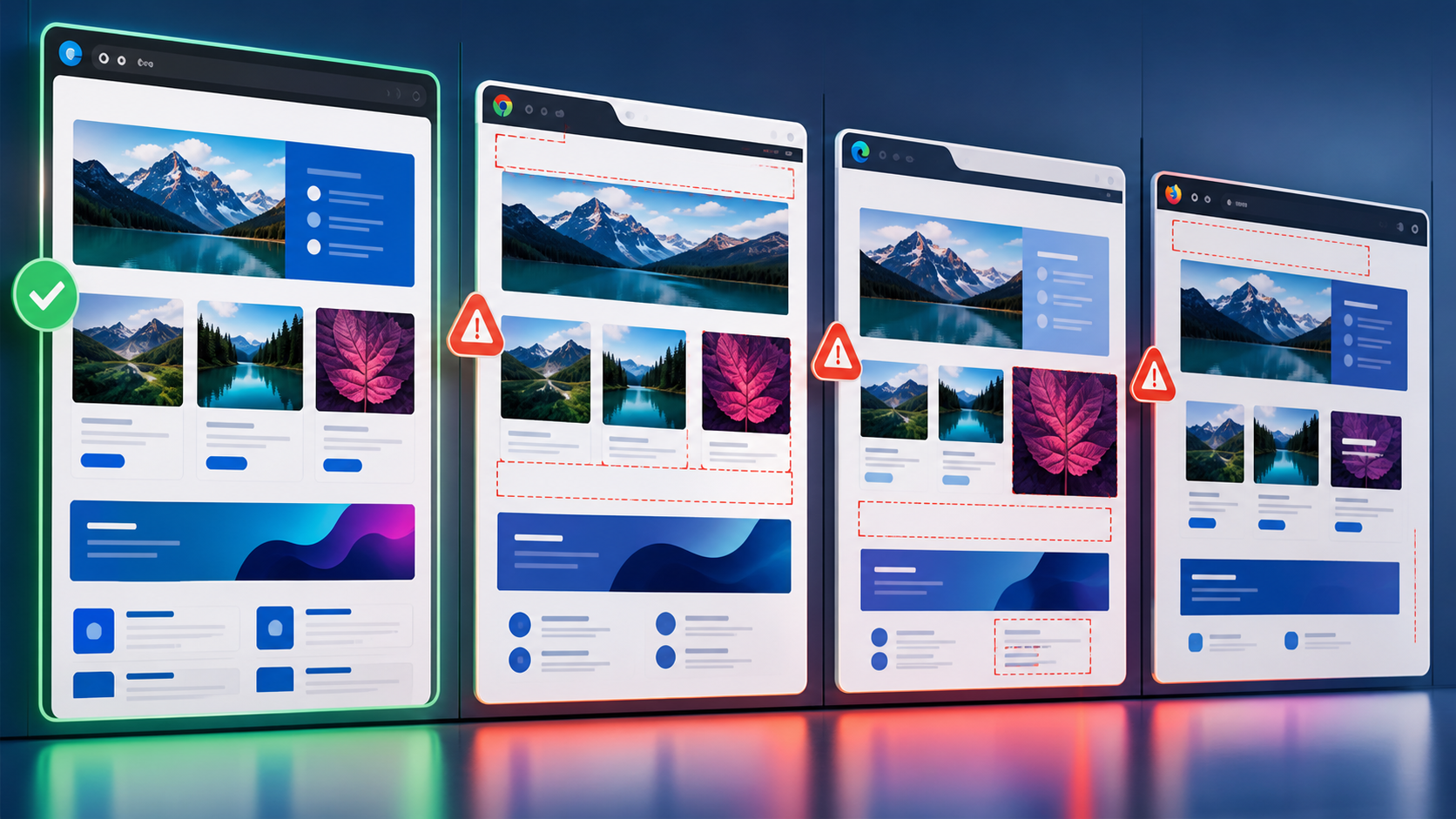
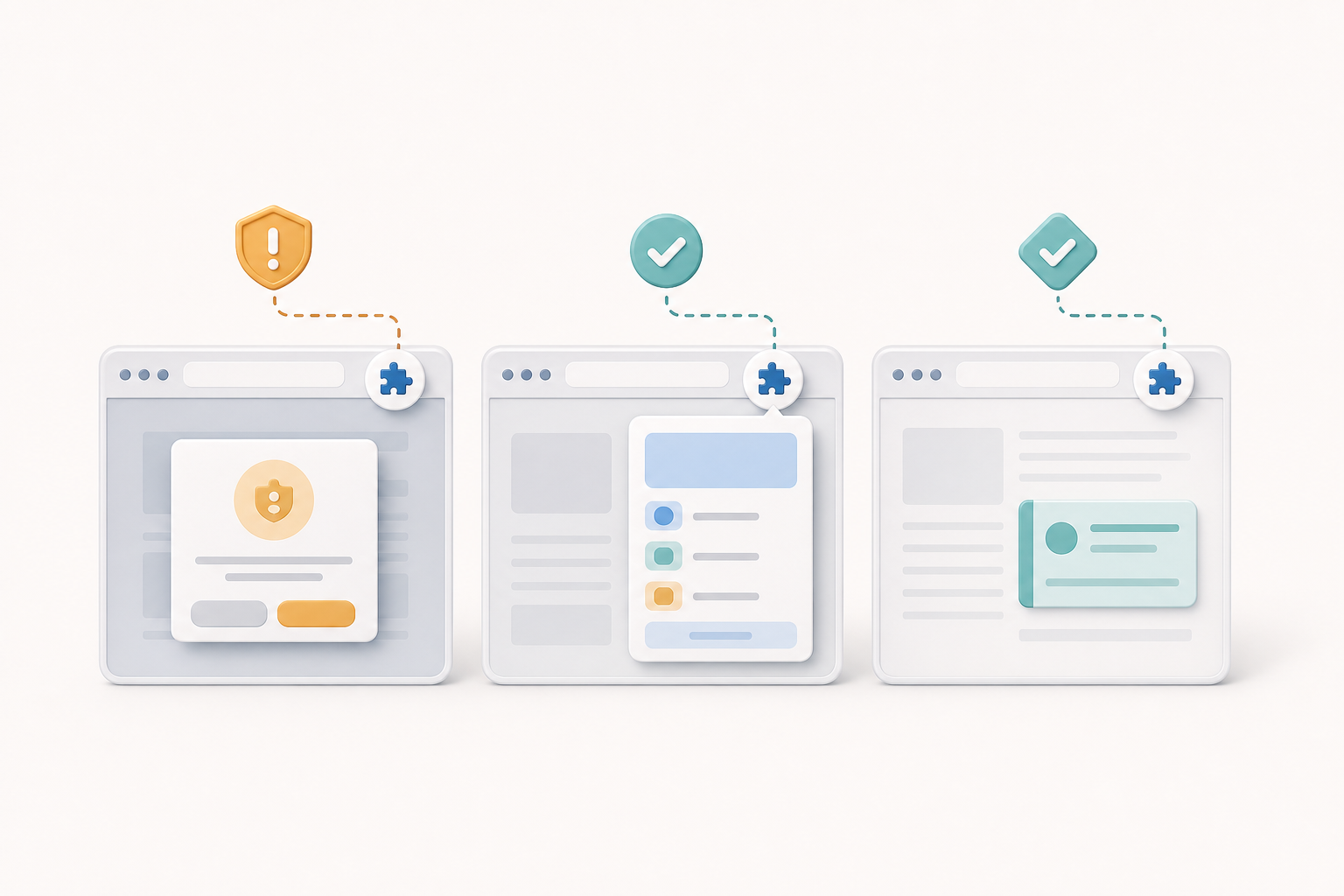
Browser extension testing is not just ordinary cross-browser testing with an extra toolbar button. Extensions run in privileged contexts, inject code into pages, request sensitive permissions, and move through install, update, disable, and store-review flows that normal web applications never touch.
Reliable browser extension testing means validating the same add-on across each browser family, each extension surface, and each lifecycle event. Cover installation, permissions, background scripts, content scripts, popups, options pages, storage, updates, and failure states. Automation helps with repeatable flows, but manual and exploratory checks remain important for browser-managed UI, store behavior, and permission prompts.
Why Extension QA Needs Its Own Risk Model
A browser extension is software that runs partly inside the browser and partly against arbitrary web pages. In the WebExtensions model, a manifest declares what the extension can do, content scripts interact with matching pages, background scripts or service workers coordinate behavior, and UI pages such as popups and options screens expose controls to the user.
That architecture creates risks that do not appear in a normal website test plan. A website controls its own DOM and routing; an extension must survive many host pages, browser security rules, and installation states. A website permission failure is usually an application setting; an extension permission failure can prevent a script from running at all.
- Lifecycle risk: Fresh install, update, disable, enable, reload, uninstall, and browser restart can each change extension state.
- Permission risk: Host permissions, optional permissions, active tab permissions, and restricted pages can change what the extension can see or modify.
- Execution-context risk: Content scripts, background service workers, popup pages, and options pages do not share the same lifetime or APIs.
- Browser-family risk: Chromium-based browsers and Firefox-like add-on environments may implement similar concepts with different API details, defaults, and review expectations.
- Page-compatibility risk: A content script can break on complex single-page applications, shadow DOM, iframes, content security policies, or pages that mutate rapidly.
Build the Browser Matrix Around Extension Behavior
Start with browser families, not brand names alone. A practical matrix separates Chromium-based browsers, Firefox, and any other target ecosystem because extension APIs, packaging, signing, and installation rules may differ. Then add supported operating systems only where native messaging, file access, keyboard shortcuts, or enterprise deployment make the OS relevant.
For automation infrastructure, treat browser version as part of the test artifact. Playwright documents support for multiple browser projects and official browser binaries in its browser documentation, which is useful when a team wants repeatable runs across Chromium, Firefox, and WebKit-based web testing contexts. For extension work, that does not remove browser-specific validation, but it does encourage disciplined version pinning and explicit browser selection.
Release cadence matters too. Browser behavior can shift with engine updates, so teams should review tool and browser changes before interpreting a failure as an extension regression. Playwright’s release notes are one example of the kind of changelog QA engineers should monitor when automation infrastructure and bundled browsers are updated.
| Test dimension | What to compare | Why it matters |
|---|---|---|
| Manifest interpretation | Required permissions, host patterns, background definition, commands, content scripts | A valid package in one browser may warn, reject, or behave differently in another. |
| Install path | Developer load, packaged install, store install, enterprise install | The browser controls permission prompts, signing rules, and update mechanics. |
| Runtime APIs | Tabs, storage, scripting, alarms, messaging, web requests, downloads | APIs with similar names can have different limits, timing, or permission requirements. |
| User-facing surfaces | Action popup, options page, side panel, context menu, notification | Some surfaces are transient and cannot be tested like normal pages. |
| Host-page interaction | Static pages, SPAs, iframes, restricted URLs, authenticated pages | Most extension defects appear where content scripts meet real page behavior. |
Install, Update, and Permission Cases to Prioritize
Extension regressions often hide in lifecycle states because developers spend most local time with an unpacked extension already loaded. QA should explicitly test the path a real user follows, then repeat critical flows after update and browser restart.
What should QA verify during installation?
Installation testing should confirm that the browser accepts the package, displays understandable permission prompts, creates the expected toolbar or menu entry, and initializes default storage safely. If the extension requires login, verify both first-run onboarding and the behavior when the user dismisses onboarding.
- Fresh install with no previous extension data.
- Install over an older production version, preserving user settings where expected.
- Install with denied optional permissions, then enable them later.
- Install while signed out of the extension’s service account or backend.
- Install on a browser profile with strict privacy settings, blocked third-party cookies, or disabled sync.
How should permission changes be tested?
Permission changes deserve focused regression tests because they affect trust and store approval. A newly added host permission may trigger a warning or require the user to re-consent after update. A removed permission should also be tested: the extension should not keep relying on access it no longer declares.
{
  "manifest_version": 3,
  "name": "Example Helper",
  "permissions": ["storage", "scripting"],
  "host_permissions": ["https://example.test/*"],
  "optional_host_permissions": ["https://reports.example.test/*"],
  "background": {
    "service_worker": "background.js"
  },
  "action": {
    "default_popup": "popup.html"
  }
}
In a test plan, treat each permission as an observable dependency. For example, if the reports domain is optional, the content script should show a useful message before access is granted, request the permission only in response to a user action, and recover immediately after the browser grants it.
Browser-Specific APIs and Edge Cases
Do not assume that a green run in Chromium proves Firefox compatibility, even if both support a WebExtensions-style model. Focus the cross-browser suite on places where the browser controls behavior: background execution, declarative rules, content script timing, API promises versus callbacks, storage synchronization, private browsing, and restricted internal pages.
A helpful pattern is to classify each test as either portable behavior or browser-specific behavior. Portable behavior should produce the same user outcome everywhere, such as saving an option or injecting a visible annotation into an allowed page. Browser-specific behavior can have different implementation details, but it still needs explicit expected results for each supported browser.
| Area | Portable assertion | Browser-specific checks |
|---|---|---|
| Content scripts | The script activates only on declared host patterns and does not duplicate UI. | Timing on navigation, SPA route changes, iframes, and restricted URLs. |
| Background logic | Messages are received and processed without losing user state. | Service worker lifetime, event wake-up behavior, and restart recovery. |
| Storage | Options persist after popup close and browser restart. | Sync availability, quota handling, private window behavior, and profile isolation. |
| Permissions | Missing access leads to a clear recovery path. | Prompt wording, update re-consent, optional permission UX, and enterprise policy effects. |
| Menus and shortcuts | User actions invoke the correct extension command. | Shortcut conflicts, context menu placement, and platform-specific key handling. |
Testing Popup, Options, and Content Script UI
Extension UI is split across different surfaces. Options pages often behave like ordinary web pages and are good automation targets. Popups are trickier because the browser may close them when focus changes. Content script UI is hardest because it shares the page with third-party markup, styles, scripts, and navigation.
Can automation click extension popups like normal pages?
Sometimes, but popup automation is more fragile than page automation. A popup can disappear if the test changes focus, opens DevTools, or navigates the active tab. When possible, test business logic through stable extension pages and reserve popup tests for critical user journeys such as opening the popup, displaying current page state, changing a setting, and invoking the main action.
For Chromium-oriented automation, teams often load an unpacked extension into a persistent profile and navigate directly to extension pages for deterministic checks. The example below is illustrative and should be paired with browser-specific test plans rather than treated as full cross-browser coverage.
import { chromium, expect, test } from '@playwright/test';
import path from 'path';

test('options page saves a setting in a loaded extension', async () => {
  const extensionPath = path.join(process.cwd(), 'dist');

  const context = await chromium.launchPersistentContext('', {
    channel: 'chromium',
    args: [
      `--disable-extensions-except=${extensionPath}`,
      `--load-extension=${extensionPath}`
    ]
  });

  const serviceWorker = context.serviceWorkers()[0]
    || await context.waitForEvent('serviceworker');
  const extensionId = serviceWorker.url().split('/')[2];

  const page = await context.newPage();
  await page.goto(`chrome-extension://${extensionId}/options.html`);
  await page.getByLabel('Enable highlighting').check();
  await page.getByRole('button', { name: 'Save' }).click();

  await expect(page.getByText('Saved')).toBeVisible();
  await context.close();
});
What makes content script tests fail intermittently?
Content script tests often fail intermittently because they depend on two event loops: the page’s own rendering and the extension’s injection or messaging lifecycle. Avoid asserting too early after navigation. Wait for a stable user-visible outcome or an explicit message from the extension instead of relying on arbitrary sleep calls.
- Test against realistic pages that include delayed rendering and client-side navigation.
- Verify that injected elements use isolated, collision-resistant selectors and styles.
- Include negative pages where the extension must not run.
- Test reload, back-forward navigation, and tab switching.
- Check that multiple injections do not create duplicate buttons, banners, or event listeners.
Automation, Debugging, and Evidence Collection
Extension automation should produce evidence that helps distinguish product defects from harness defects. Record the browser family and version, extension build identifier, manifest version, install method, profile state, permissions granted, and the page URL under test. Screenshots are useful, but logs from the background context and content script are often more diagnostic.
Separate test layers keep the suite maintainable. Unit tests can cover pure functions used by background and content scripts. Component or page tests can cover popup and options UI. Browser automation can cover installation, messaging, storage, and representative host-page behavior. Manual exploratory testing can cover store install, native browser prompts, unusual privacy settings, and visual fit inside browser-managed surfaces.
When is manual testing still necessary?
Manual testing is necessary when the browser or store owns the experience. Permission prompts, extension review packaging, toolbar pinning behavior, update notices, and enterprise policy deployments can be difficult or impossible to validate completely through a generic automation API. Manual checks should be documented as repeatable scenarios with exact browsers, profiles, and expected results.
A Practical Release Checklist for Add-ons
- Validate the packaged extension, not only the source tree or development build.
- Run fresh-install tests in a clean browser profile for every supported browser family.
- Run update tests from the latest production version and at least one older supported version if migration code exists.
- Review every manifest permission and confirm the UI explains why optional access is requested.
- Exercise core content script behavior on representative host pages, including pages where the extension should not activate.
- Test popup, options, background messaging, storage, restart recovery, and sign-out behavior.
- Record browser versions, automation tool versions, extension build IDs, and store package artifacts.
- Perform a final manual pass through installation, permission prompts, toolbar behavior, and any browser-specific release notes.
Key Takeaways
- Browser extension testing must cover lifecycle, permissions, privileged APIs, and host-page interaction, not just visual compatibility.
- Build the matrix around browser families and extension behavior before expanding into operating systems or device combinations.
- Fresh install, update, optional permission, and browser restart scenarios are high-value checks for extension QA.
- Popup and content script automation can be fragile, so use stable extension pages and observable outcomes where possible.
- Chromium automation examples are useful, but they do not replace Firefox or other browser-family validation.
- Strong release evidence includes browser versions, profile state, manifest permissions, package artifacts, and background or content-script logs.