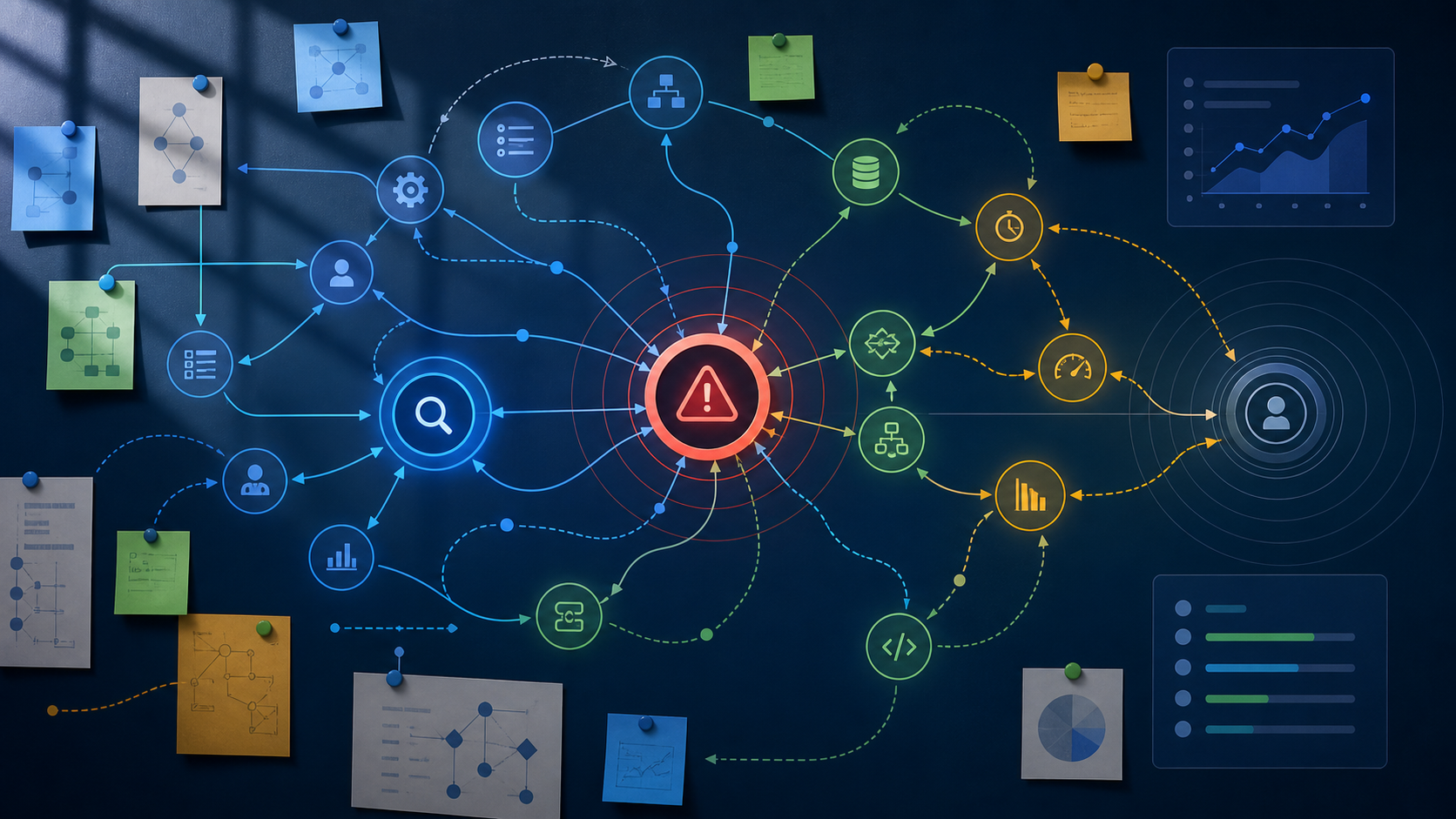

QA prompt engineering is the practice of designing structured instructions, context, constraints, and output formats so an AI system can help testers reason about evidence without inventing facts. For incident triage, the highest-value use case is turning vague user reports, logs, screenshots, and support notes into testable reproduction steps, missing-evidence questions, and root-cause hypotheses.
Use AI to triage bug reports by giving it the raw report, environment, observed result, expected result, logs, and strict instructions to separate facts from assumptions. Ask for reproduction steps, confidence levels, missing evidence, and alternate hypotheses. A tester must still verify every step before the report is promoted to an engineering-ready defect.
Why QA Prompt Engineering Fits Incident Triage Better Than Generic Bug Summaries
QA prompt engineering works best in triage when the prompt constrains the model to organise evidence, expose uncertainty, and propose reproducible paths rather than simply summarising a ticket. Bug triage prompts are structured AI instructions that convert messy incident inputs into decisions a tester can verify.
Incident analysis is the disciplined examination of a reported failure to determine impact, scope, probable triggers, and the next evidence needed. In a busy QA or support queue, that analysis often starts from incomplete fragments: a user complaint, a pasted stack trace, a cropped screenshot, and a release note reference.
Generic summarisation is too weak for this job because a concise summary can hide ambiguity. A strong triage prompt should instead preserve the distinction between observed facts, inferred conditions, and open questions.
Research on AI-driven QA tools supports the view that AI can assist with test generation and analysis when teams apply it strategically and verify the outputs, rather than treating generated artefacts as authoritative https://arxiv.org/abs/2506.16586. That distinction matters most during triage, where a confident but false reproduction path can send engineering into the wrong subsystem.
What a High-Signal Bug Triage Prompt Must Include
A high-signal bug triage prompt must include the incident facts, execution context, evidence sources, desired output structure, and explicit rules against guessing. Without those ingredients, AI for testers becomes a note-taking shortcut instead of a reliable triage assistant.
AI for testers is the use of AI systems to augment test design, evidence analysis, defect communication, and quality risk assessment under human review. The human review clause is not optional, because triage depends on trust boundaries and confirmation.
What evidence should the prompt receive?
The prompt should receive every execution-relevant detail available at triage time, even when some fields are unknown. Reproduction steps are ordered actions and conditions that allow another tester or developer to observe the same failure with reasonable consistency.
Give the model the user journey, feature area, platform, build version, account type, configuration flags, test data shape, timestamps, error messages, logs, screenshots, network traces, and recent changes. If a field is unknown, mark it as unknown rather than omitting it, because omission can be misread as irrelevance.
A useful prompt also states the triage goal. Ask whether you want candidate reproduction steps, missing-information questions, severity reasoning, duplicate detection hints, or a root-cause hypothesis list.
How should the model separate facts from assumptions?
The model should be required to label every output item as observed, inferred, or unknown. This single constraint reduces the chance that a plausible narrative becomes a fake reproduction path.
For example, a screenshot showing an error after checkout is an observation. Saying the payment gateway failed is an inference unless logs or response data show a gateway error.
Stage-aware prompting and explicit articulation of execution-relevant information are consistent with findings from software testing education research on large language models https://arxiv.org/abs/2603.26329. In practice, that means asking the model to reason in triage stages: evidence extraction, hypothesis formation, reproduction design, and validation planning.
A Practical Prompt Template for Turning Bug Reports into Reproduction Steps
A reusable prompt template should force the model to produce testable steps, assumptions, missing evidence, and validation checks in a consistent format. Debugging prompts are prompts that guide an AI system through failure evidence to identify likely triggers, isolate variables, and recommend verification actions.
The template below is intentionally strict. It prevents the model from polishing a weak ticket into a deceptively complete defect report.
Role: You are assisting a QA triage analyst. Do not invent evidence.

Goal: Transform the incident report into candidate reproduction steps and triage questions.

Input context:
Product area: checkout and payment confirmation
Build or release: 2026.10.04 release candidate
Environment: staging, Chrome on Windows, standard buyer account
Feature flags: express checkout enabled, tax calculation v2 enabled
User report: Customer says the order confirmation page sometimes shows a blank panel after payment.
Observed result: Blank confirmation panel after clicking Pay now
Expected result: Confirmation page shows order number, payment status, and receipt link
Attachments: screenshot of blank panel, browser console error, application log excerpt
Known constraints: Payment was authorised. The user refreshed and later saw the order.

Evidence:
Console error: TypeError cannot read properties of undefined reading receiptUrl
Application log: orderCreated true, receipt object null, confirmationRender started
Timestamp: 2026-10-04 09:42 UTC

Output format:
1. Facts observed in the evidence
2. Assumptions that must be verified
3. Candidate reproduction steps with confidence level
4. Variables to control during reproduction
5. Missing evidence questions for support or QA
6. Root-cause hypotheses ranked by evidence strength
7. A safer rewritten bug report for the tracker

Rules:
Do not claim the bug is reproduced unless the evidence proves it.
If a step depends on an assumption, label it as assumption dependent.
If evidence conflicts, call out the conflict instead of resolving it silently.
Prefer concise, testable wording.
This template is not meant to replace exploratory judgment. It is meant to stabilise the first pass so testers spend less time reconstructing the story and more time proving or disproving it.
How to Structure Inputs from User Reports, Logs, and Screenshots
Structured inputs produce better triage outputs because the model can map evidence to execution context instead of treating the incident as prose. The best format is not always the most detailed format; it is the format that makes provenance and uncertainty visible.
User reports are strongest when they include the user goal, last successful action, failure symptom, timing, account type, and whether retry changed the outcome. Preserve the user’s original wording when it contains clues, but add QA-normalised fields around it.
Logs are strongest when they include timestamps, correlation identifiers, service names, request or job boundaries, and the exact error text. Avoid dumping an entire log file into a prompt if only a slice is relevant, because too much unrelated evidence can dilute the signal.
Screenshots are strongest when they are described with visible UI state, selected controls, URL or route if visible, error text, and anything hidden by cropping. If your AI workflow supports images, still provide a text description so the triage record remains searchable and auditable.
| Input type | What to provide | What the prompt should ask for | Main triage risk |
|---|---|---|---|
| User report | Original wording, user goal, role, timing, retry result, account type | Extract observed behaviour, normalise expected result, identify missing conditions | User language may imply causality that is not proven |
| Application logs | Timestamped excerpts, correlation identifiers, service boundaries, exact errors | Map log events to user actions and rank root-cause hypotheses | Logs may show downstream symptoms rather than the trigger |
| Screenshot | Visible UI state, route, controls, messages, data shown or missing | Describe evidence and propose UI-level reproduction checks | Cropped images can hide important environment or state details |
| Network trace | Request sequence, status codes, payload shape, failed endpoint, timing | Identify failing boundary and suggest controlled reproduction variables | Sensitive data may be exposed if redaction is weak |
| Release notes | Recent changes, feature flags, migrations, dependencies, rollback status | Connect symptoms to plausible change areas without declaring causation | Recency bias can overemphasise the latest deployment |
Prompts That Extract Repro Hypotheses Without Hallucinating Certainty
Repro hypothesis prompts should produce multiple candidate paths with confidence labels, required conditions, and falsification checks. A hypothesis is useful only if it can be tested and rejected.
Ask the model for more than one possible path when the evidence is incomplete. Single-path outputs can anchor the team too early, especially when the incident combines UI symptoms with backend side effects.
How do you ask for candidate reproduction steps safely?
Ask for candidate reproduction steps by requiring each step sequence to include evidence support and assumption dependencies. The prompt should never allow the model to state that a bug is reproducible unless a tester has confirmed it.
A strong instruction is: produce likely steps, but mark each as confirmed, evidence-supported, or speculative. This makes the output usable in a triage channel without pretending it is a completed test execution.
For intermittent incidents, include a request for variables to vary and variables to hold constant. Examples include account age, browser cache state, locale, permissions, feature flags, network conditions, and data volume.
When should the prompt request alternate hypotheses?
The prompt should request alternate hypotheses whenever evidence has gaps, the failure is intermittent, or more than one subsystem appears in the trail. Alternate hypotheses reduce tunnel vision during incident analysis.
Good prompts ask for a ranked list that separates likelihood from impact. A rare but high-impact data corruption hypothesis should not disappear just because a UI rendering hypothesis is easier to test.
Ask the model to include a disconfirming test for each hypothesis. If the suggested test cannot disprove the hypothesis, it is probably not precise enough for triage.
Prompts That Ask for Missing Evidence Before Escalation
Missing-evidence prompts are often more valuable than repro-step prompts because they stop weak tickets from entering engineering queues. A defect report that names its uncertainty is easier to route than one that hides it.
Ask the AI to generate questions for support, QA, product, or engineering based on what is absent. The questions should be ordered by diagnostic value, not by how easy they are to ask.
For a user-facing incident, useful missing-evidence questions may cover exact time, affected account, previous successful flow, retry behaviour, device and browser, permissions, and whether the issue affects one user or many. For a backend incident, useful questions may cover correlation identifiers, deployment windows, queue retries, dependency responses, and data migration status.
Make the prompt produce a minimal evidence request as well as an ideal evidence request. In live incidents, support may not be able to obtain a perfect recording or full trace, but one timestamp and one account identifier may be enough to search logs.
Human Validation Loop: From AI Draft to Engineering-Ready Defect
The validation loop turns AI output into accountable QA work by requiring a tester to execute, revise, and annotate the proposed reproduction steps. AI can draft the triage artefact, but the tester owns the claim that the defect is reproducible.
Start by executing the highest-confidence path exactly as written. If it fails to reproduce, change one variable at a time and record the delta instead of asking the model for a fresh guess immediately.
When the AI suggests missing evidence, decide whether the ticket should pause, proceed as a low-confidence incident, or be linked to a broader investigation. Not every incident needs perfect reproduction before escalation, especially if customer impact is active, but the uncertainty must be visible.
The final defect should distinguish between confirmed steps, suspected triggers, and environmental notes. That separation helps developers debug without treating QA speculation as fact.
Common Pitfalls When Using AI for Test Incident Triage
The main failure mode is not that AI gives no answer; it is that AI gives a polished answer with unsupported causality. Teams must design prompts and review habits that resist premature certainty.
The first pitfall is treating a generated sequence as reproduction steps before anyone has executed it. Generated steps are candidates, not evidence.
The second pitfall is overfeeding the model with irrelevant logs. More context can help, but unrelated noise can cause the model to connect events that only happened near each other in time.
The third pitfall is leaking sensitive data into prompts. Redact tokens, personal data, payment details, customer identifiers, and proprietary secrets before using external AI services, and follow your organisation’s data handling policy.
The fourth pitfall is letting the model rewrite user reports so aggressively that the original symptom disappears. Keep the raw report attached or quoted in the ticket, because phrasing such as sometimes, after refresh, or only on mobile can be diagnostically important.
The fifth pitfall is recency bias. If a deployment happened before the incident, it is a candidate factor, not automatic proof of causation.
How to Operationalise Bug Triage Prompts in QA Workflows
Bug triage prompts become valuable when they are embedded into a repeatable workflow with versioned templates, review expectations, and clear ownership. Ad hoc prompting may help individuals, but shared prompt patterns improve consistency across QA, support, and SDET teams.
Store approved prompts where testers already work, such as the test management system, incident runbook, ticket template, or internal knowledge base. Give each prompt a purpose, owner, and revision history so changes can be reviewed like any other QA asset.
Create separate prompt variants for customer incidents, regression failures, flaky automation failures, production monitoring alerts, and post-release support tickets. The evidence shape differs enough that a single universal prompt usually becomes vague.
Define exit criteria for AI-assisted triage. For example, a ticket may require confirmed reproduction steps, a stated inability to reproduce with tested variables, or a documented evidence request before engineering assignment.
Review prompt outputs periodically in triage retrospectives. Look for repeated hallucinations, missing fields, false assumptions, and phrasing that confuses severity, priority, and impact.
Key Takeaways
- QA prompt engineering is most effective in incident triage when it separates observed facts, assumptions, unknowns, and testable hypotheses.
- Bug triage prompts should generate candidate reproduction steps, not claim that a defect is reproduced before a tester verifies it.
- Strong prompts include environment, build, user role, feature flags, logs, screenshots, expected result, observed result, and recent changes.
- Missing-evidence questions are often the highest-value output because they prevent weak or misleading tickets from reaching engineering queues.
- Debugging prompts should ask for alternate hypotheses and disconfirming tests to reduce tunnel vision during incident analysis.
- AI for testers works best as a triage accelerator under human review, not as an autonomous source of defect truth.
- Versioned, workflow-specific prompt templates help QA teams scale consistent incident analysis across support, manual testing, and SDET practices.