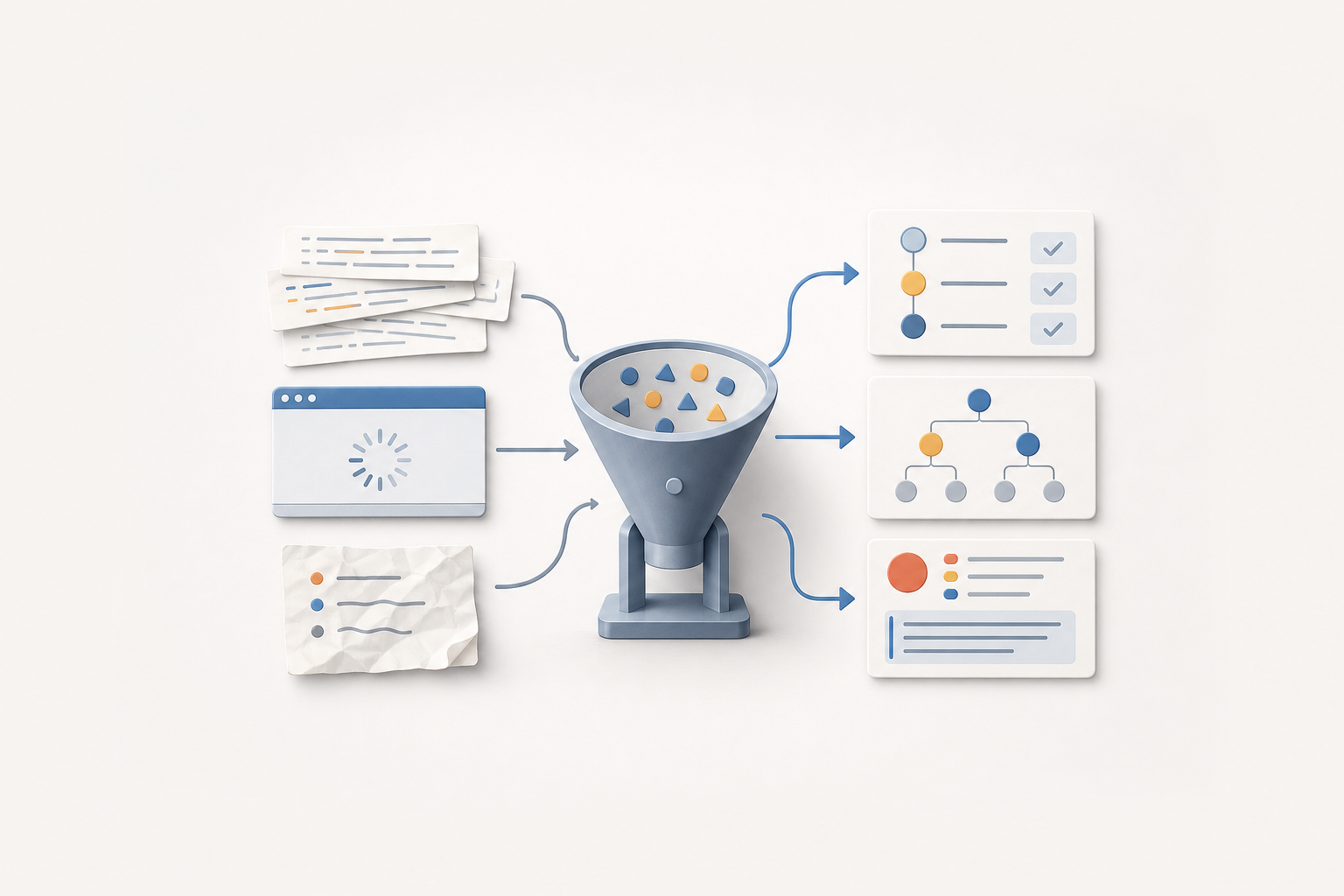
Prompt engineering for QA is most valuable when it turns messy evidence into artifacts another tester, developer, or incident manager can verify. Logs, screenshots, stack traces, and vague user notes are not useful because they are long; they are useful when they support reproducible bug reports, clear hypotheses, and safe escalation summaries.
Test evidence synthesis means converting raw failure clues into structured QA artifacts without inventing facts. A good prompt asks the model to separate observed evidence from assumptions, extract possible reproduction steps, highlight missing data, and output a format your team can review. The result should accelerate triage, not replace verification.
What Counts as QA Evidence?
QA evidence is any observable information that helps a team understand, reproduce, classify, or verify a software behavior. It can include browser console logs, server logs, stack traces, HAR files, screenshots, screen recordings, user messages, environment details, timestamps, feature flags, test data, and steps already attempted.
The distinction that matters is evidence versus interpretation. A screenshot showing a disabled checkout button is evidence. A note saying the payment service is broken is an interpretation unless it is supported by logs, monitoring, or a reproducible path. MDN’s testing guidance frames testing as a practice of checking behavior with tools and repeatable methods, which is a useful baseline for keeping AI-assisted analysis grounded in verifiable artifacts: MDN testing guidance.
Prompted synthesis is not a new testing oracle. It is a normalization layer. It helps a QA analyst turn scattered inputs into a standard record that a human can challenge, complete, and rerun.
The Evidence Inputs AI Can Help Normalize
Different artifacts answer different questions. Logs show sequences and errors. Screenshots show visible state. HAR files can show failed network calls and response timing. User reports often reveal business context but may omit technical details. Prompt engineering is useful because it lets you ask the same model to read across these sources and produce one coherent artifact with provenance.
| Input | What it can support | Common pitfall |
|---|---|---|
| User message | Impact, rough path, expected outcome, affected role | Treating a complaint as a verified reproduction |
| Screenshot | Visible UI state, error text, missing controls, layout symptoms | Inferring backend causes from pixels alone |
| Browser console log | Client-side exceptions, warnings, failed resources | Ignoring browser, extension, or environment noise |
| Server or application log | Request flow, exceptions, service boundaries, correlation IDs | Copying sensitive data into an external AI tool |
| HAR file | Request order, status codes, headers, payload shape | Overlooking authentication and privacy exposure |
| Existing bug notes | Prior attempts, duplicate candidates, owner history | Preserving stale assumptions as facts |
Prompt Patterns for Turning Evidence into Artifacts
The safest prompt patterns constrain the model’s role, input boundaries, output schema, and uncertainty behavior. Instead of asking, “What is the bug?”, ask for a structured transformation: summarize observations, extract candidate reproduction steps, mark missing evidence, and propose hypotheses that require verification.
How should a tester prompt for evidence summarization?
Use a summarization prompt when you have many raw notes and need a compact triage record. The prompt should require citations to input fragments, or at minimum references such as “from screenshot,” “from console log,” or “from user note.” This prevents the artifact from becoming a confident story with no visible source.
Role: You are assisting a QA analyst with evidence normalization.
Task: Convert the evidence below into a triage summary.
Rules:
- Do not infer root cause.
- Separate observed facts, user claims, and assumptions.
- If a detail is missing, write "unknown".
- Preserve exact error messages when present.
- Output only the requested sections.

Evidence:
[USER NOTE]
Customer says checkout freezes after applying a coupon.

[SCREENSHOT DESCRIPTION]
Checkout page shows coupon field filled, spinner beside Place Order button, no confirmation message.

[CONSOLE LOG]
TypeError: Cannot read properties of undefined (reading 'discountId')

Output format:
1. One-sentence symptom
2. Observed evidence
3. Environment details
4. Missing information
5. Suggested next verification step
This type of prompt produces a triage artifact that is easier to paste into a tracker than raw notes. It also avoids the trap of treating a JavaScript exception as definitive proof of a backend defect.
How can prompts extract reproducible bug reports?
Reproduction-step extraction is useful when the source material is messy: a chat thread, support ticket, incident note, or recording transcript. The model should output candidate steps and explicitly score confidence qualitatively, such as “observed,” “implied,” or “missing.” If the output contains a step that was never mentioned, reviewers should treat it as a hypothesis, not a fact.
Task: Create a reproducible bug report from the supplied evidence.
Constraints:
- Use only actions supported by the evidence.
- Mark each step as OBSERVED, IMPLIED, or NEEDS CONFIRMATION.
- Do not invent credentials, data, feature flags, or browser versions.
- End with questions for the reporter.

Required output:
Title:
Affected area:
Preconditions:
Steps to reproduce:
Expected result:
Actual result:
Evidence links or attachments:
Unknowns:
Questions for reporter:
For teams refining bug intake, this pattern pairs well with broader triage workflows such as turning bug reports into repro steps. The important shift is that the prompt does not merely make the ticket sound better; it makes uncertainty auditable.
Prompting for Hypotheses Without Hallucinating Root Cause
Root-cause language is risky during early triage. A model can produce plausible explanations that sound more certain than the evidence supports. Better prompts ask for a hypothesis tree: possible explanations, evidence for and against each one, and the cheapest next test.
Task: Build a hypothesis tree for the failure.
Rules:
- Rank hypotheses by fit to observed evidence, not by confidence in root cause.
- For each hypothesis, list supporting evidence and contradicting or missing evidence.
- Provide one low-cost verification action per hypothesis.
- Never state that a hypothesis is confirmed unless the evidence proves it.

Evidence summary:
Symptom: Checkout spinner remains after coupon is applied.
Observed error: TypeError reading discountId.
Network evidence: unknown.
Recent change: unknown.
User role: returning customer, details unknown.

Output columns:
Hypothesis | Supporting evidence | Missing or conflicting evidence | Verification action | Owner suggestion
Useful hypotheses might include a client-side null handling bug, malformed coupon response, stale cart state, or an integration issue. The artifact is not successful because it guesses correctly. It is successful if it helps the next person decide what to inspect first.
Reliability Checks That Keep AI Output Testable
AI-assisted evidence synthesis needs review gates. The core controls are input scoping, provenance, uncertainty labeling, privacy filtering, and human verification. W3C’s accessibility evaluation guidance emphasizes evaluation as a process that combines tools, judgment, and defined checks; that same mindset applies here, where AI is one tool inside a larger QA practice, not the authority on correctness: W3C evaluation overview.
- Scope the input: Tell the model exactly which evidence to use and forbid outside assumptions.
- Require unknowns: Make “unknown” an acceptable output so the model is not rewarded for filling gaps.
- Separate facts from hypotheses: Use headings or table columns that prevent blended narratives.
- Preserve exact strings: Error messages, status codes, route names, and timestamps should not be paraphrased when precision matters.
- Redact sensitive data: Remove tokens, personal data, credentials, and proprietary payloads before using any AI system that is not approved for that data.
- Verify manually: Re-run candidate steps and compare against the original artifacts before escalating.
Tool-assisted evaluation is already common in QA, including accessibility testing, linting, network inspection, and browser compatibility checks. The W3C Web Accessibility Evaluation Tools List is a reminder that tools vary by purpose and coverage; prompt-assisted analysis should be treated the same way, as a support mechanism with known limits rather than a universal judge: W3C evaluation tools list.
Standard Output Formats for QA Teams
A prompt is only operationally useful if its output fits team workflows. Standard formats reduce rework and make AI output easier to compare across incidents. A lightweight schema for reproducible bug reports should include the fields that developers and triagers need most often.
| Artifact type | Best used for | Required fields |
|---|---|---|
| Reproducible bug report | Confirmed or likely product defects | Title, environment, preconditions, steps, expected result, actual result, evidence, unknowns |
| Investigation note | Early triage before reproduction is confirmed | Symptom, timeline, facts, assumptions, hypotheses, next checks |
| Escalation summary | Hand-off to development, SRE, security, or product | Impact, affected users, evidence, attempted mitigations, risks, decision needed |
| Regression test candidate | Turning a bug into future coverage | Scenario, setup, assertions, data requirements, automation suitability |
Teams using AI for deeper reproduction and analysis can extend this with patterns from faster bug reproduction and root cause analysis, but the same rule applies: keep the artifact reviewable and connected to the raw evidence.
Example Workflow from Bug Note to Verified Incident
Consider a support note that says, “Several customers cannot complete checkout after entering a coupon.” The evidence package includes one screenshot, a console error, a timestamp, and a support chat. A disciplined AI-assisted workflow would not jump directly to a defect claim.
- Redact sensitive data from the chat, logs, and screenshots.
- Ask the model to summarize observed facts, user claims, and unknowns.
- Ask for candidate reproduction steps with each step marked observed, implied, or needs confirmation.
- Run the candidate steps in a controlled environment and record the result.
- Ask for a hypothesis tree based on both original evidence and the new reproduction attempt.
- Create a final artifact: either a reproducible bug report, an investigation note, or an escalation summary.
- Attach the raw evidence and note which AI-generated statements were verified by a human.
This workflow keeps the model in a useful role: organizing evidence and proposing next checks. It does not let the model silently decide what happened.
Common Pitfalls in QA Evidence Synthesis
Why do AI-generated bug reports sometimes mislead teams?
They mislead teams when they turn weak evidence into polished certainty. A beautifully written report can hide that the browser version is unknown, the steps were inferred, or the stack trace came from a different session. Require confidence labels and missing-information sections so reviewers can see where the artifact is thin.
Can screenshot analysis replace reproduction?
No. Screenshot analysis can identify visible symptoms, UI state, and sometimes error text, but it cannot prove the sequence of events that produced the state. Use it to enrich a report, then verify the behavior through repeatable steps.
When should teams avoid using AI on QA evidence?
Avoid or delay AI processing when the evidence contains secrets, regulated personal data, customer contracts, unreleased designs, or exploit details and the tool has not been approved for that data. Also avoid it when the team cannot review the output; unreviewed synthesis can create more noise than clarity.
Key Takeaways
- Prompt engineering for QA is strongest when it creates structured, reviewable artifacts from messy evidence.
- Good prompts separate observed facts, user claims, assumptions, hypotheses, and unknowns.
- Reproducible bug reports should preserve exact error strings and mark inferred steps clearly.
- Hypothesis prompts should recommend verification actions, not declare root cause prematurely.
- AI-assisted evidence synthesis needs privacy filtering, provenance, and human review gates.
- Standard output schemas make AI-generated notes easier to triage, compare, and improve.