Cross-origin testing is the practice of proving that browser-enforced security boundaries let approved web workflows run while blocking unwanted access between origins. For browser-based APIs, this is not just a backend contract test. A healthy endpoint can still fail in production because CORS, CORP, COEP, COOP, or Permissions-Policy prevents the browser from exposing the response or using a capability.
Test browser-based APIs by validating the full browser policy path: request origin, preflight, response headers, embedded resources, document isolation, and permissions delegation. The goal is to confirm both positive behavior and deliberate denial across your supported browser matrix, because policy failures often appear as generic network or JavaScript errors.
Why Browser Policy Failures Are Different from App-Code Failures
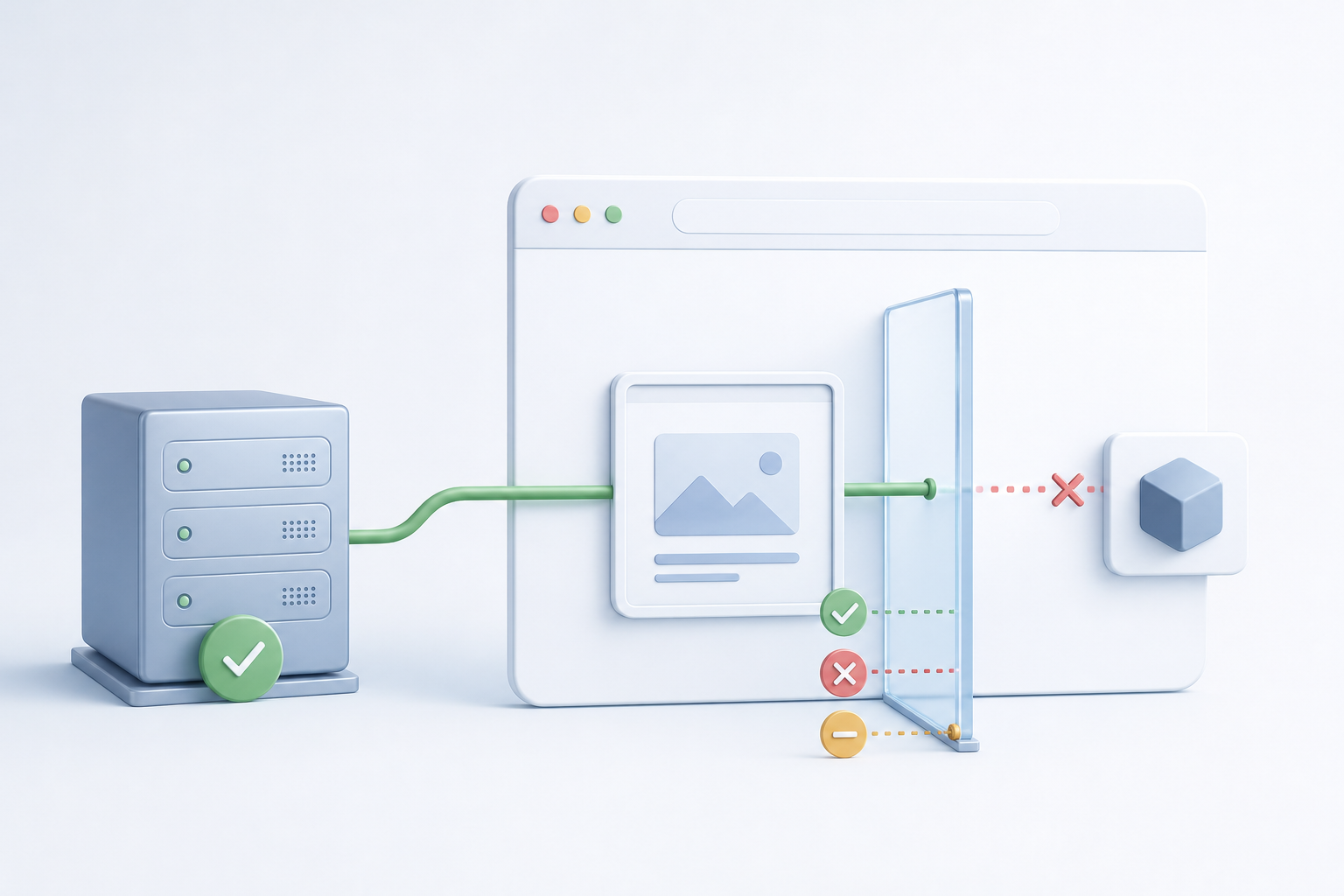
An application-code failure usually comes from your JavaScript, API handler, authentication layer, or data contract. A browser policy failure comes from the browser refusing to complete or expose an operation because a security rule says it should not. That distinction matters: server logs may show a successful API response, while the user sees a broken upload, missing image, disabled camera, or failed third-party integration.
For example, an API can return HTTP 200 with the correct JSON, but if the browser does not accept the Access-Control-Allow-Origin response for the page origin, frontend code cannot read it. OWASP describes CORS as a browser mechanism for allowing controlled cross-origin requests, and its testing guidance highlights misconfigurations such as overly broad origins or unsafe credential handling in Cross-Origin Resource Sharing testing.
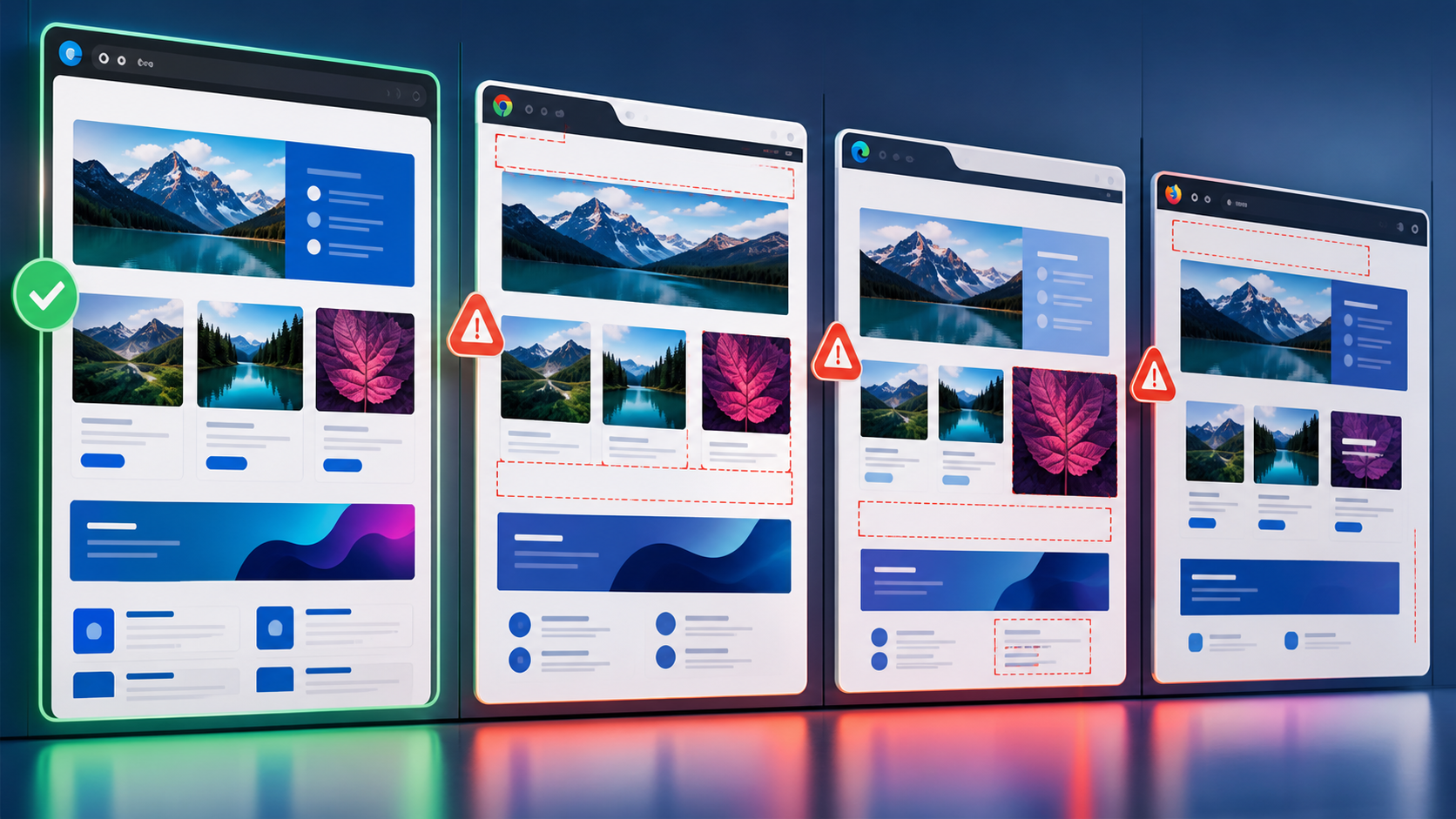
QA teams should therefore separate three questions: did the server respond, did the browser allow the response to be used, and did the workflow preserve the intended security boundary? This is also where cross-browser strategy matters. General layout and rendering checks are not enough; policy behavior needs its own cases in the same release discipline used for cross-browser testing strategy.
The Core Policies Browser API Testers Need to Know
| Policy or header | What it controls | Common QA symptom | What to verify |
|---|---|---|---|
| CORS | Whether a browser can make and expose cross-origin API responses to frontend code. | API works in curl or Postman but fails in the browser console. | Allowed origins, methods, headers, credentials, and preflight behavior. |
| CORP | Whether a resource allows itself to be loaded by another origin. | Images, scripts, fonts, or media fail when embedded from another site. | Resource isolation intent and header values on static and API-served assets. |
| COEP | Whether a document requires cross-origin resources to explicitly opt in before being loaded. | Advanced browser features or embedded resources fail after enabling isolation. | All dependent resources include compatible CORS or CORP headers. |
| COOP | Whether a top-level document is isolated from other browsing contexts. | Popup, opener, or shared browsing-context behavior changes unexpectedly. | Window interactions and isolation behavior for login, payment, and help flows. |
| Permissions-Policy | Which browser features a document or iframe is allowed to use. | Camera, geolocation, microphone, fullscreen, or other APIs appear unavailable. | Header rules, iframe delegation, browser support, and graceful fallback. |
OWASP’s guidance on HTTP security header misconfigurations includes Permissions-Policy among browser behavior checks. The important QA lesson is that these headers are part of the product behavior, not only a security hardening checklist.
How Should QA Test CORS and Preflight Behavior?
Start with the user workflow, then inspect the exact browser request. A preflight is an automatic browser OPTIONS request that checks whether the actual cross-origin request is allowed. It commonly appears when the request uses non-simple methods, custom headers, or certain content types. Backend API tests that do not run in a browser may miss this step entirely.
Positive CORS tests should confirm that approved origins can call the API using expected methods, request headers, and credential settings. Negative tests should confirm that unapproved origins cannot read protected responses, even if the network tab shows that the server answered. OWASP’s REST Security Cheat Sheet also treats CORS as a client-facing access control concern and recommends constraining cross-origin access rather than relying on broad allowances in REST API security guidance.
OPTIONS /api/profile HTTP/1.1
Host: api.example.test
Origin: https://app.example.test
Access-Control-Request-Method: PUT
Access-Control-Request-Headers: authorization, content-type

HTTP/1.1 204 No Content
Access-Control-Allow-Origin: https://app.example.test
Access-Control-Allow-Methods: GET, POST, PUT
Access-Control-Allow-Headers: authorization, content-type
Access-Control-Allow-Credentials: true
Vary: Origin
In this example, the test is not just whether the endpoint accepts PUT. It is whether the browser receives a preflight response that matches the real request. If the application uses cookies or authorization headers, verify credential behavior carefully. A broad wildcard origin combined with credentialed access is a serious red flag and should be treated as both a functional and security defect.
What CORS Browser Differences Should Testers Watch For?
Modern browsers generally follow the same CORS model, but differences still appear around console messaging, caching of preflight responses, private network restrictions, third-party cookie behavior, and feature rollout timing. Do not write assertions that depend only on one browser’s exact error text. Instead, assert observable workflow results, response headers, and whether frontend code can access the data.
Test at least one Chromium-based browser, Firefox, and Safari when your audience uses them. Mobile browsers also deserve attention because embedded web views, tracking protections, and cookie policies can change the effective behavior of cross-origin authentication flows. When deciding which cases to automate and which to inspect manually, the tradeoffs mirror broader manual and automated cross-browser testing: automate repeatable header and workflow checks, then manually investigate browser-specific edge cases and console diagnostics.
How Do CORP, COEP, and COOP Interact?
CORP, COEP, and COOP are easy to confuse because they all relate to cross-origin isolation, but they answer different questions. CORP is set by a resource to declare who may load it. COEP is set by a document to require loaded resources to opt in. COOP is set by a document to isolate its browsing context from other windows.
A practical failure looks like this: a team enables COEP on the main app to support an isolation-dependent browser capability, and then images, worker scripts, or third-party assets stop loading because those resources do not send compatible CORS or CORP headers. OWASP’s community control page for Cross-Origin Resource Policy notes CORP behavior and browser support considerations, which is why QA should validate actual browser behavior rather than assuming a header change is harmless.
Build tests around resource dependencies. List every script, worker, image, font, media file, iframe, and API response required by the isolated page. For each one, record whether it is same-origin, same-site, or cross-origin; whether it is fetched with CORS; and whether the resource owner can add headers. This dependency map is often the fastest route from a vague browser console error to the specific asset that violated the policy.
When Does a Policy Bug Look Like a Broken API?
A policy bug often looks like a broken API when the backend returns success but the browser blocks the result from JavaScript. Users may see empty content, a spinner that never finishes, or a fallback error that says the service is unavailable. Developers may first look at API logs and conclude the backend is healthy, which is technically true but incomplete.
To debug, compare four observations: the browser network request, the response headers, the console policy error, and the same request from a non-browser client. If only the browser path fails, prioritize policy headers, credentials, embedded context, and origin rules before changing business logic.
Testing Permissions-Policy for Browser APIs
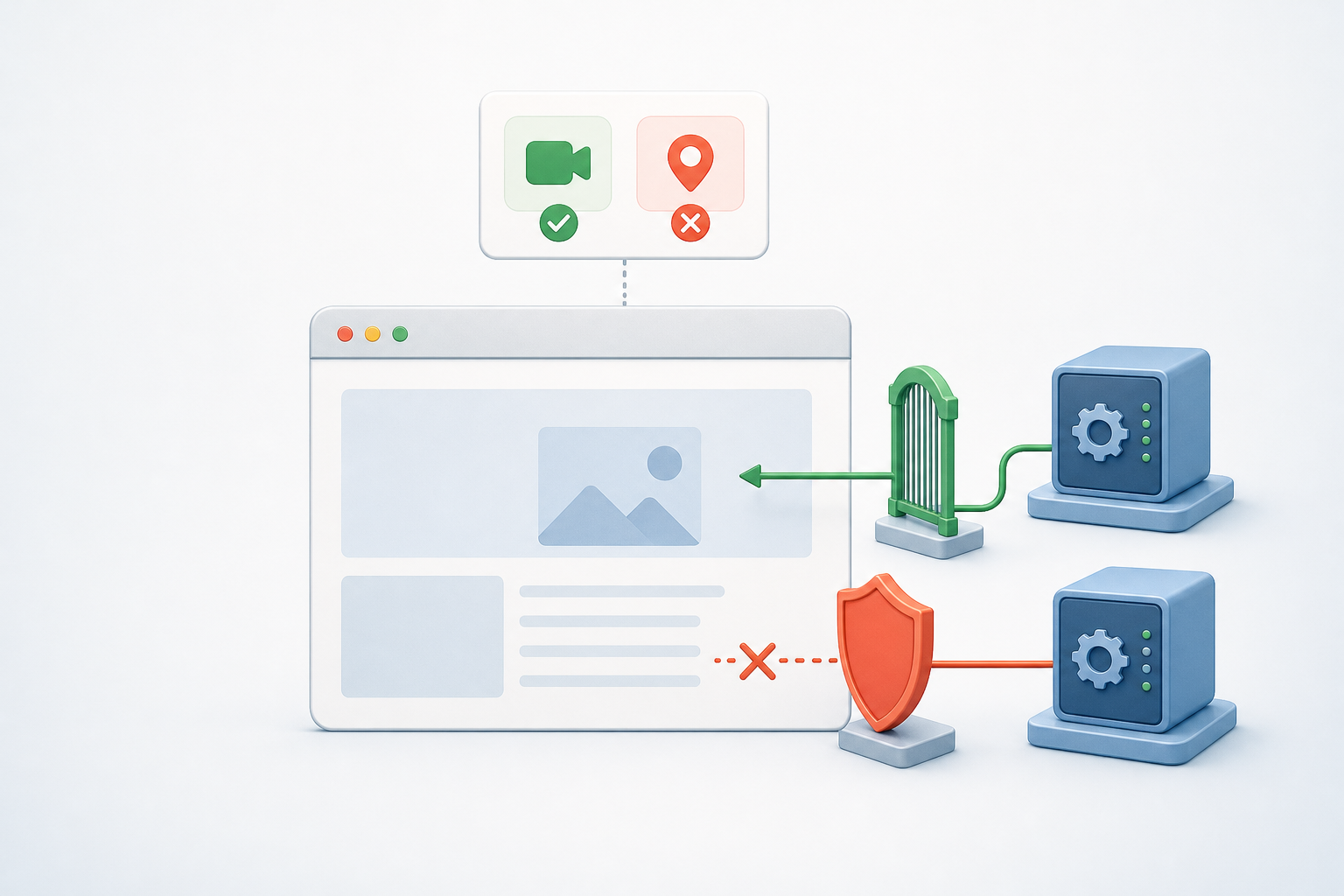
Permissions-Policy controls which origins can use selected browser features in a document or iframe. It can affect APIs such as geolocation, camera, microphone, fullscreen, payment-related capabilities, and other browser-controlled features depending on browser support. The policy can be intentionally restrictive, but QA must verify that it does not block legitimate product flows.
Test the top-level page and embedded contexts separately. A feature may work on the main application page but fail inside an iframe because permission was not delegated. Conversely, a third-party frame may receive more capability than intended if the policy is too permissive. For each feature, define the expected result for first-party pages, trusted embedded origins, untrusted embedded origins, and unsupported browsers.
HTTP/1.1 200 OK
Content-Type: text/html
Permissions-Policy: geolocation=(self), camera=(self "https://video.example.test"), microphone=()
This sample means geolocation is limited to the same origin, camera is allowed for the same origin and a specific trusted video origin, and microphone is disabled. A good test tries the permitted path, a denied cross-origin path, and a fallback path that explains the limitation to the user without exposing confusing technical language.
Building a Cross-Browser Policy Test Matrix
A useful matrix focuses on risk rather than every possible combination. Start with business-critical workflows: login redirects, checkout, file upload, embedded support widgets, analytics beacons, video calls, maps, document preview, and any API consumed from a different origin. Then map each workflow to the policies it depends on.
- Origins: first-party app, API subdomain, CDN, identity provider, payment provider, support widget, and staging domains.
- Browsers: representative Chromium, Firefox, Safari, and mobile or web-view environments used by customers.
- Request types: simple requests, preflighted requests, credentialed requests, redirects, and cached responses.
- Embedding contexts: top-level pages, iframes, popups, workers, service workers, and downloadable or previewed resources.
- Expected denials: untrusted origins, missing headers, blocked capabilities, and fallback user messages.
Include negative cases in the same release gate as positive cases. If the intended rule is “only the production app origin may read this API,” then a staging, attacker-simulated, or unrelated origin should fail in the browser. Passing negative tests prevents policy relaxation from becoming a silent regression.
Debugging a Policy-Related Production Bug
Assume a customer reports that document preview works in one browser but not another after a security header change. The backend document API returns HTTP 200, and direct download works. The browser console, however, reports that a cross-origin resource was blocked.
- Reproduce the issue in the reported browser and one comparison browser using the same account, document type, and environment.
- Capture the document viewer page headers and the blocked resource response headers.
- Check whether the viewer enabled COEP or changed iframe behavior, then verify each cross-origin resource has compatible CORS or CORP headers.
- Confirm whether the issue occurs only for CDN-hosted assets, only for authenticated API responses, or only inside an iframe.
- Retest with the corrected headers and add a regression case that fails if the resource is served without the required policy.
The pitfall is fixing the symptom by loosening every header. That may restore the workflow but weaken the intended boundary. The better fix is specific: allow the necessary trusted origin, method, resource, or feature while keeping unrelated origins blocked.
Key Takeaways
- Browser-based API testing must verify what the browser permits, not only what the server returns.
- CORS tests need both positive and negative cases for origins, methods, headers, credentials, and preflight behavior.
- CORP, COEP, and COOP can break embedded resources and window flows even when API endpoints are healthy.
- Permissions-Policy testing should cover top-level pages, iframes, trusted origins, denied origins, and user-facing fallbacks.
- Cross-browser policy checks should assert outcomes and headers rather than depend on one browser’s exact console wording.
- Production debugging is fastest when testers compare network results, response headers, console policy errors, and non-browser client behavior.