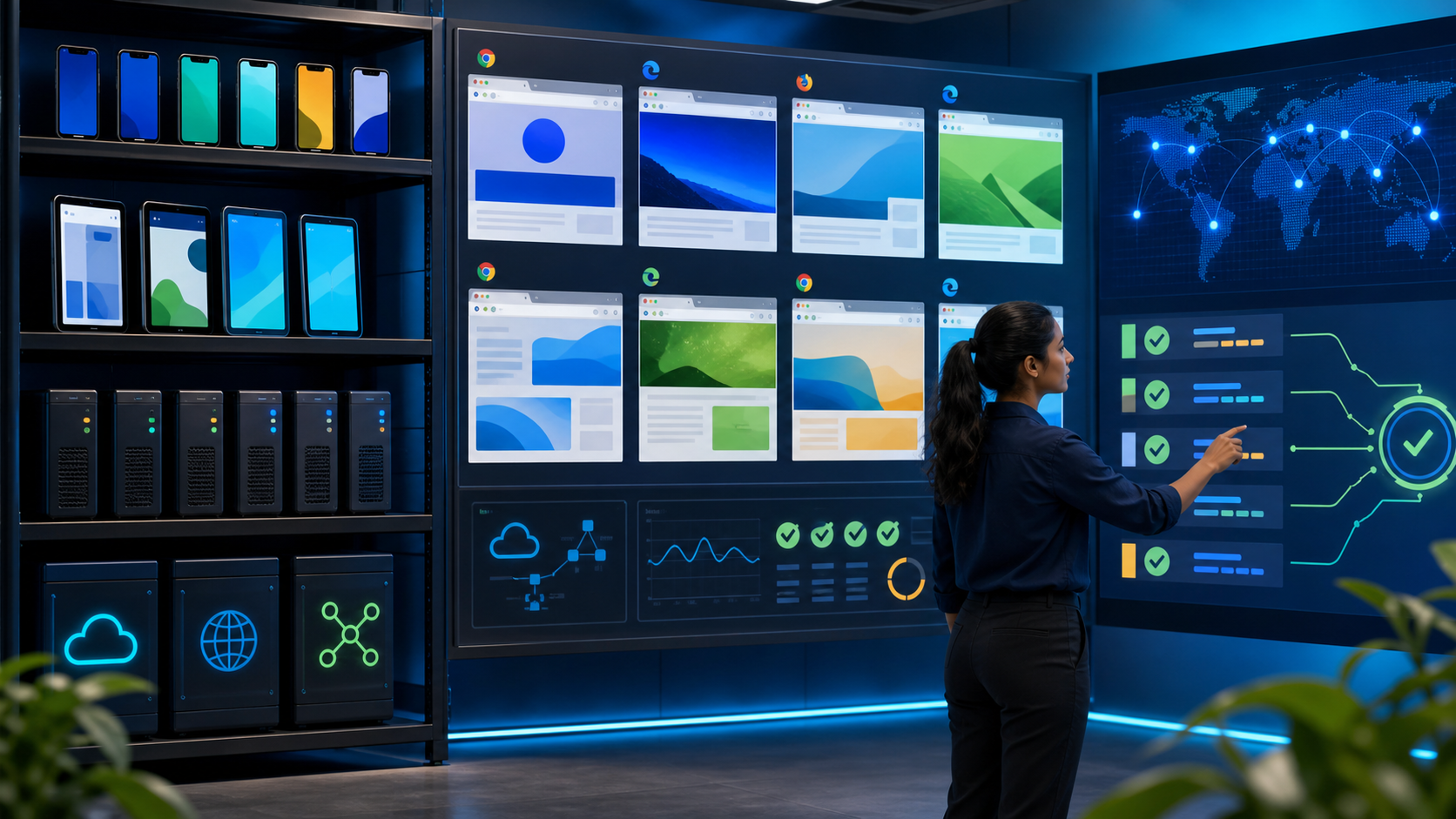

Automated visual regression testing is now a core quality gate for React, Vue, Angular, design systems, and cross-browser releases because modern UI defects often pass functional checks while still breaking user trust. Visual regression is the practice of detecting unintended visual changes by comparing a current screenshot or DOM-rendered state against an approved baseline.
The best automated visual regression setup depends on where your UI risk lives. Use Playwright when you need strong browser coverage and stable screenshots, Cypress when your team already owns Cypress component or end-to-end tests, Storybook-based tools such as Chromatic for component libraries, and cloud platforms such as Percy or Applitools when review workflow, scaling, and cross-browser evidence matter most.
Why visual regression matters for cross-browser UI quality
Visual regression testing catches layout, styling, rendering, and asset defects that assertions against text or API responses cannot see. In cross-browser testing, it is especially valuable because Chromium, WebKit, and Firefox can render the same CSS, fonts, canvas elements, and responsive grids with subtle but release-blocking differences.
Pixel comparison is a screenshot-diff technique that compares image pixels between a baseline and a candidate build, usually with thresholds to ignore insignificant anti-aliasing or subpixel noise. The technique is simple in concept, but reliable production use depends on deterministic data, stable rendering environments, and a review process that distinguishes intentional design changes from regressions.
For product teams shipping component-rich applications, visual defects are frequently introduced by CSS refactors, dependency upgrades, browser engine updates, icon changes, and responsive breakpoint changes. Mature teams often find that 20% to 35% of UI regressions are visual rather than functional, particularly in dashboards, ecommerce flows, SaaS onboarding, and design-system-heavy products.
The business case is feedback speed. Teams that move visual checks from manual release review to automated pull request gates commonly report 30% to 50% faster UI validation cycles, with the largest gains appearing when designers, developers, and QA review diffs in the same workflow.
How automated visual regression testing works in practice
Automated visual regression testing works by rendering a UI state, capturing an image, comparing it with an approved baseline, and reporting the difference for approval or rejection. The hard part is not taking screenshots; it is making every screenshot comparable across time, browsers, operating systems, and data conditions.
A baseline is the accepted reference screenshot that represents the intended UI state. A diff is the generated visual delta between the baseline and the latest screenshot, often highlighted as changed pixels or changed regions.
The workflow typically starts in a pull request or CI pipeline. The test runner launches a browser, navigates to a route or component story, freezes volatile behavior, captures a screenshot, then hands that image to a local comparator or cloud visual review service.
Cross-browser coverage adds another dimension. A baseline captured in Chromium is not a universal truth for WebKit or Firefox, so high-risk pages should maintain browser-specific baselines instead of forcing one rendering engine to represent all users.
How does pixel comparison differ from visual AI comparison?
Pixel comparison detects differences by measuring changed pixels, while visual AI comparison is a higher-level technique that attempts to ignore changes that humans would not consider meaningful. Pixel-based engines are transparent and fast, but they can be noisy when fonts, anti-aliasing, shadows, or animations vary between runs.
AI-assisted visual comparison is useful for enterprise products with many dynamic layouts, but it is not magic. It still needs strong baselines, scoped assertions, and human approval when a design change is intentional.
When should you use screenshots instead of DOM assertions?
Use screenshots when the risk is visual presentation rather than business logic. DOM assertions can confirm that a button exists, but they cannot reliably prove that it is visible, aligned, readable, unoverlapped, themed correctly, and usable at a given viewport.
The strongest strategy combines both approaches. Functional assertions guard behavior, accessibility checks flag semantic and contrast risks, and visual regression checks confirm the rendered experience users actually see.
Best visual regression tools for React, Vue, Angular and modern stacks
The best visual regression tools are the ones that match your test architecture, review workflow, and browser-risk profile. React, Vue, and Angular do not require fundamentally different visual testing concepts, but framework ergonomics affect whether component-level, route-level, or full journey screenshots produce the highest signal.
React teams often gravitate toward Storybook, Chromatic, Playwright, Cypress, Percy, and Applitools because these tools integrate well with component-driven development. Vue teams use the same ecosystem, with strong results from Storybook, Playwright, Cypress Component Testing, and Percy. Angular teams usually benefit from Playwright or Cypress for app-level states, plus Storybook-based checks where the component catalog is maintained seriously.
| Tool | Best fit | Strengths | Trade-offs |
|---|---|---|---|
| Playwright | Cross-browser app flows and component screenshots | Chromium, Firefox, and WebKit support; stable auto-waiting; strong screenshot APIs | Baseline management and review workflow need discipline or external tooling |
| Cypress | Teams already invested in Cypress E2E or component tests | Developer-friendly runner; strong debugging; broad plugin ecosystem | Native cross-browser depth is narrower than Playwright for WebKit-heavy risk |
| Chromatic | Storybook-based React, Vue, Angular, and design systems | Excellent component review workflow; baseline approval; design-system fit | Less suited to full authenticated journeys unless paired with another runner |
| Percy | Cloud visual review across web app routes and components | Good CI workflow; parallel snapshot processing; team approvals | Depends on integration quality and snapshot scoping to avoid noisy builds |
| Applitools | Enterprise visual AI and broad platform coverage | AI-assisted comparison; strong dashboard; cross-browser and cross-device support | Higher cost and vendor dependency than local screenshot testing |
| BackstopJS | Config-driven page screenshot regression | Simple, open-source, useful for marketing sites and static routes | Less ergonomic for complex app state and component-level workflows |
| Loki | Storybook screenshot testing with local control | Open-source; component-focused; useful for design systems | Requires more setup and maintenance than managed Storybook services |
Playwright visual regression for cross-browser confidence
Playwright is an end-to-end testing framework that can automate Chromium, Firefox, and WebKit with a consistent API. For visual regression, Playwright is one of the strongest default choices because it combines reliable browser automation, built-in screenshot assertions, and first-class CI execution.
The key advantage is browser breadth. If Safari rendering matters, Playwright’s WebKit coverage makes it more practical than many alternatives, especially for CSS grid, flexbox, form controls, sticky positioning, and responsive behavior.
Playwright’s screenshot assertions use tolerances to reduce noise from minor rendering variance. Teams can compare full pages, viewport screenshots, specific components, or locators, and that scoping is essential because full-page screenshots are more likely to fail for irrelevant changes.
import { test, expect } from '@playwright/test';

test.describe('checkout visual regression', () => {
  test.use({ viewport: { width: 1440, height: 900 } });

  test('renders the payment step consistently', async ({ page }) => {
    await page.goto('/checkout?fixture=visual-stable');
    await page.addStyleTag({
      content: '* { animation: none !important; transition: none !important; }'
    });
    await page.locator('[data-testid="payment-step"]').screenshot({
      path: 'artifacts/payment-step.png',
      animations: 'disabled',
      mask: [page.locator('[data-testid="timestamp"]')]
    });
    await expect(page.locator('[data-testid="payment-step"]')).toHaveScreenshot(
      'payment-step.png',
      { maxDiffPixelRatio: 0.002 }
    );
  });
});
This example scopes the screenshot to a stable checkout region, disables animations, masks volatile content, and uses a small diff threshold. Those controls usually matter more than the specific tool, because unscoped screenshots make visual testing feel flaky even when the comparison engine is working correctly.
How should Playwright baselines be managed in CI?
Playwright baselines should be generated in the same operating system, browser channel, viewport, font set, and device scale factor used by CI. Mixing developer laptops and CI images for baseline approval is one of the fastest ways to create false positives.
For small teams, storing baselines in the repository works well because changes are reviewed in code review. Larger teams often push screenshots to artifact storage or a visual testing platform to keep repositories lean and provide designer-friendly approvals.
Cypress visual regression for teams with existing E2E coverage
Cypress is a JavaScript testing framework known for interactive debugging, fast local feedback, and a strong ecosystem around web application testing. For visual regression, Cypress is a pragmatic choice when a team already owns Cypress specs, fixtures, and CI pipelines.
Cypress does not provide the same built-in screenshot assertion model as Playwright, so teams commonly use plugins or integrate with Percy, Applitools, or other snapshot services. This is not a weakness if the review workflow is cloud-based, but it does mean the architecture should be explicit from the start.
Cypress Component Testing can be valuable for React, Vue, and Angular visual checks because it renders components in isolation while still using the framework’s real runtime. That makes it useful for states such as error banners, empty tables, disabled controls, and design-system variants that are expensive to reach through a full user journey.
The limitation appears when browser diversity is the main requirement. Cypress covers common modern browser workflows well, but Playwright is usually the stronger choice when WebKit and fine-grained cross-browser parity are central release risks.
When is Cypress better than Playwright for visual regression?
Cypress is better than Playwright for visual regression when your team already has a mature Cypress suite and the value of reuse outweighs the value of broader browser automation. Reusing authentication helpers, network stubs, fixtures, and component mounts can reduce implementation time by 25% to 40% compared with introducing a separate runner.
Choose Cypress when the workflow is developer-owned and most risk sits in Chromium-based user environments. Choose Playwright when browser engine coverage, parallel project configuration, and built-in screenshot assertions are more important.
Storybook, Chromatic and component-level visual regression
Storybook is a component workshop for rendering UI components in documented states outside the full application. Component-level visual regression is often the highest-signal approach for React, Vue, and Angular design systems because it tests many UI states without navigating through brittle end-to-end flows.
Chromatic is a managed visual testing and review platform built around Storybook. It shines when designers and engineers need to approve component diffs, protect design tokens, and validate variants across themes, breakpoints, and interaction states.
Component-level checks are especially effective for buttons, cards, modals, menus, tables, date pickers, charts, and reusable form controls. A single design token change can affect hundreds of components, so Storybook-driven screenshots provide rapid blast-radius detection.
The trade-off is representativeness. Component screenshots do not always catch app shell issues, route-level composition problems, real content overflow, authentication states, or browser-specific interactions that only appear in the assembled product.
How do Storybook stories improve visual baseline quality?
Storybook stories improve visual baseline quality by making UI states explicit, deterministic, and reviewable. A good story fixes props, data, viewport context, theme, locale, and loading state, which removes much of the randomness that causes noisy screenshot diffs.
Teams should treat stories as test fixtures, not only as documentation. If a story depends on live APIs, time-sensitive content, or global state leakage, it will produce the same flakiness as a poorly controlled end-to-end screenshot.
Percy, Applitools, BackstopJS and Loki for specialized needs
Specialized visual regression platforms are valuable when local screenshot comparison is not enough for review, scale, or governance. Percy, Applitools, BackstopJS, and Loki solve different parts of the problem, so tool choice should follow the workflow rather than brand preference.
Percy is a cloud visual testing platform that captures snapshots from test runners and presents visual diffs for team review. It fits organizations that want simple CI integration, branch-based approvals, and visual evidence without building a custom dashboard.
Applitools is a visual AI platform that compares rendered application states using computer-vision-assisted matching. It is best suited for enterprise teams that need broad coverage, lower diff noise, advanced grouping, and compliance-friendly visual audit trails.
BackstopJS is an open-source visual regression tool configured around URLs, selectors, viewports, and scenarios. It remains useful for static websites, marketing pages, documentation sites, and route-level screenshots where full application orchestration is relatively simple.
Loki is an open-source visual regression tool commonly used with Storybook. It gives teams more local control than managed platforms, but it requires more ownership around installation, baseline storage, environment consistency, and review UX.
Framework-specific recommendations for React, Vue, Angular and more
Framework choice matters less than UI architecture, but practical tool recommendations differ by how teams build, isolate, and release components. The most reliable strategy pairs component-level visual regression with a smaller set of high-value app journey screenshots.
| Stack | Recommended starting point | High-value coverage | Watch-outs |
|---|---|---|---|
| React | Storybook with Chromatic or Playwright component tests | Design-system variants, responsive cards, modals, checkout, dashboards | CSS-in-JS class generation, hydration states, theme toggles |
| Vue | Playwright or Cypress Component Testing with Storybook where available | Form states, transitions, route views, data tables | Transitions, async rendering, locale formatting, slot-heavy components |
| Angular | Playwright for app flows plus Storybook for shared components | Material components, enterprise forms, grids, permissioned layouts | Change detection timing, overlay containers, dynamic IDs |
| Svelte | Playwright screenshots and Storybook where adopted | Interactive widgets, compiled CSS states, lightweight route views | Animation defaults and transition timing |
| Next.js or Nuxt | Playwright with deterministic routes and Storybook for components | SSR pages, responsive layouts, image optimization states | Hydration mismatch, dynamic images, edge-rendered content |
| Design systems | Chromatic, Loki, or Applitools with Storybook | Tokens, themes, variants, accessibility-adjacent visual states | Baseline churn during active redesigns |
For React, the best setup is often Chromatic for component states plus Playwright for critical paths. This combination gives design-system protection and real browser validation without overloading end-to-end tests.
For Vue, Playwright is a strong default because it handles route-level checks and browser variation well. Cypress remains attractive when the team already uses Cypress for component mounting and wants fast local debugging.
For Angular, prioritize Playwright for enterprise workflows that involve overlays, tables, complex forms, and permissions. Add Storybook-based visual checks only when the component catalog is maintained with the same discipline as production code.
Common visual regression pitfalls that create noisy builds
Most failed visual regression programs fail because of noise, not because screenshot testing lacks value. False positives train teams to ignore diffs, and ignored diffs are worse than no visual tests because they create a false sense of release coverage.
The first pitfall is capturing too much. Full-page screenshots are tempting, but they magnify unrelated changes in ads, timestamps, recommendations, skeleton loaders, cookie banners, and below-the-fold content.
The second pitfall is unstable data. If product names, avatars, chart values, local dates, or feature flags change between runs, the diff engine is only reporting fixture drift.
The third pitfall is inconsistent rendering infrastructure. Fonts, GPU settings, browser versions, device scale factors, OS image updates, and locale settings all affect pixel output, so visual testing should run in pinned containers or controlled CI images.
The fourth pitfall is weak ownership. Every diff needs an owner who can decide whether it is an intended change, a product bug, a design bug, or a test fixture issue.
Why do visual regression tests become flaky?
Visual regression tests become flaky when the rendered UI is not deterministic at screenshot time. Animations, lazy loading, live data, web fonts, random IDs, third-party widgets, and unresolved network calls are common causes.
The fix is to remove volatility before comparison. Freeze time, mock APIs, disable animations, wait for fonts, mask dynamic regions, and screenshot smaller elements whenever full-page capture adds little value.
Practical strategy for stable visual regression adoption
A stable visual regression strategy starts with risk-based coverage, not a mandate to screenshot everything. The goal is to protect high-value UI contracts while keeping review volume low enough that humans still inspect meaningful diffs.
Start with 10 to 25 critical visual states: the landing page, login, checkout, pricing, dashboard, empty states, error states, core forms, and the most reused design-system components. Expand only after the team has measured false-positive rate, review time, and defect detection value.
Use separate baselines for meaningful dimensions such as browser, viewport, theme, and locale. Do not create every possible combination; choose combinations that map to real traffic and business risk.
Set thresholds carefully. A zero-pixel tolerance sounds rigorous but often fails on anti-aliasing noise, while a loose threshold can hide broken alignments and clipped content.
Run visual checks on pull requests for affected components and nightly for broader cross-browser coverage. This split keeps developer feedback fast while still detecting browser or dependency drift that may not appear in every PR.
How many visual baselines should a team maintain?
A team should maintain the smallest set of baselines that protects user-visible risk across browsers, viewports, and themes. For many SaaS products, 50 to 200 carefully selected baselines provide better signal than thousands of broad screenshots.
Baseline count should grow with ownership capacity. If the team cannot review diffs within one business day, coverage is likely too broad or too noisy.
Tool selection checklist for QA leaders
QA leaders should select visual regression tooling by scoring browser coverage, developer workflow, review experience, baseline governance, and total maintenance cost. The right choice is rarely the tool with the longest feature list; it is the tool that your team will keep trustworthy.
- Browser requirement: choose Playwright or a cloud platform when Chromium, Firefox, and WebKit evidence is required.
- Existing automation investment: choose Cypress integrations when Cypress fixtures, commands, and CI jobs already cover the target UI states.
- Component maturity: choose Chromatic, Loki, or Storybook-driven workflows when components are documented and isolated reliably.
- Review workflow: choose Percy, Chromatic, or Applitools when designers, product owners, and distributed engineers need approval dashboards.
- Noise tolerance: prefer tools with masking, thresholding, ignored regions, and deterministic environment controls.
- Scale and governance: prefer managed platforms when auditability, branch baselines, parallel processing, and permissions matter.
Budget should include more than license cost. The real cost of visual regression is the time spent stabilizing fixtures, reviewing diffs, updating baselines, and training teams to treat visual changes as product changes rather than test artifacts.
Key Takeaways
- Visual regression testing protects rendered UI quality by comparing approved baselines with current screenshots, catching defects that functional assertions often miss.
- Playwright is the strongest default for cross-browser visual regression when Chromium, Firefox, and WebKit coverage are important.
- Cypress is a practical visual regression choice when teams already have mature Cypress tests, fixtures, and CI workflows.
- Storybook-based tools such as Chromatic provide high-signal component coverage for React, Vue, Angular, and design systems.
- Pixel comparison is fast and transparent, but stable results require deterministic data, pinned rendering environments, scoped screenshots, and sensible thresholds.
- Most visual testing failures come from noisy baselines, broad screenshots, volatile content, and unclear diff ownership rather than from the comparison engine itself.
- The best strategy combines component-level visual checks, a small set of critical journey screenshots, and cross-browser baselines for the states that carry real user or revenue risk.