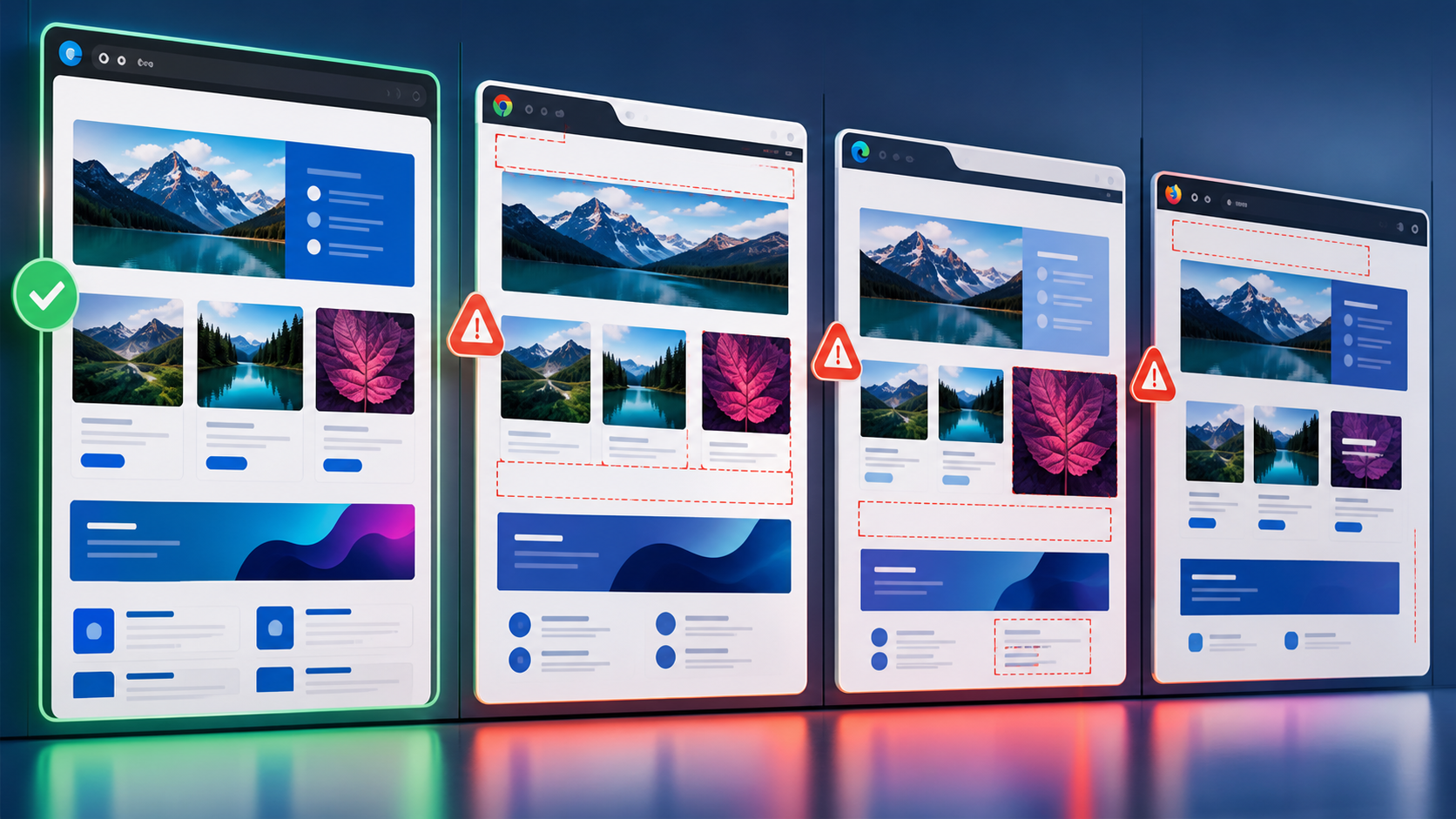
Browser update cadence has become a release-readiness concern, not just a background platform detail. When browsers ship changes continuously, QA teams need a deliberate plan for stable, beta, and canary builds so application releases are not surprised by browser releases that users receive a few days later.
Cross-browser release readiness in 2026 means testing today’s production browsers while also sampling the next browser versions before they reach most users. Stable builds protect current users, beta builds expose near-term risk, and canary builds provide early warning for platform changes that may break critical flows. The practical goal is not to certify every page on every pre-release browser, but to detect high-impact browser compatibility regressions early enough to fix, mitigate, or delay safely.
Why Browser Release Cadence Changes QA Planning
Browser compatibility used to be treated as a periodic certification task: pick supported versions, run a regression pass, and sign off. That model is weaker when browsers update frequently and silently for many users. A feature that passed on last month’s browser may behave differently after a rendering engine update, JavaScript runtime change, security tightening, autofill adjustment, media policy change, or permission prompt update.
For QA leads and release engineers, the key shift is timing. Your application release and the browser vendor’s release are separate trains. If you only test against the browser versions already installed in production, you may discover a browser-specific failure when the browser update is already rolling out to customers.
Modern automation frameworks make earlier detection more practical. Playwright’s documentation recommends keeping Playwright updated so teams can test against the latest browser versions and catch failures early, and its browser documentation explains how Playwright manages and runs tests against supported browser binaries such as Chromium, Firefox, and WebKit. See the official Playwright best practices and Playwright browsers guidance for the supported mechanism and maintenance expectations.
Stable, Beta, and Canary Serve Different Purposes
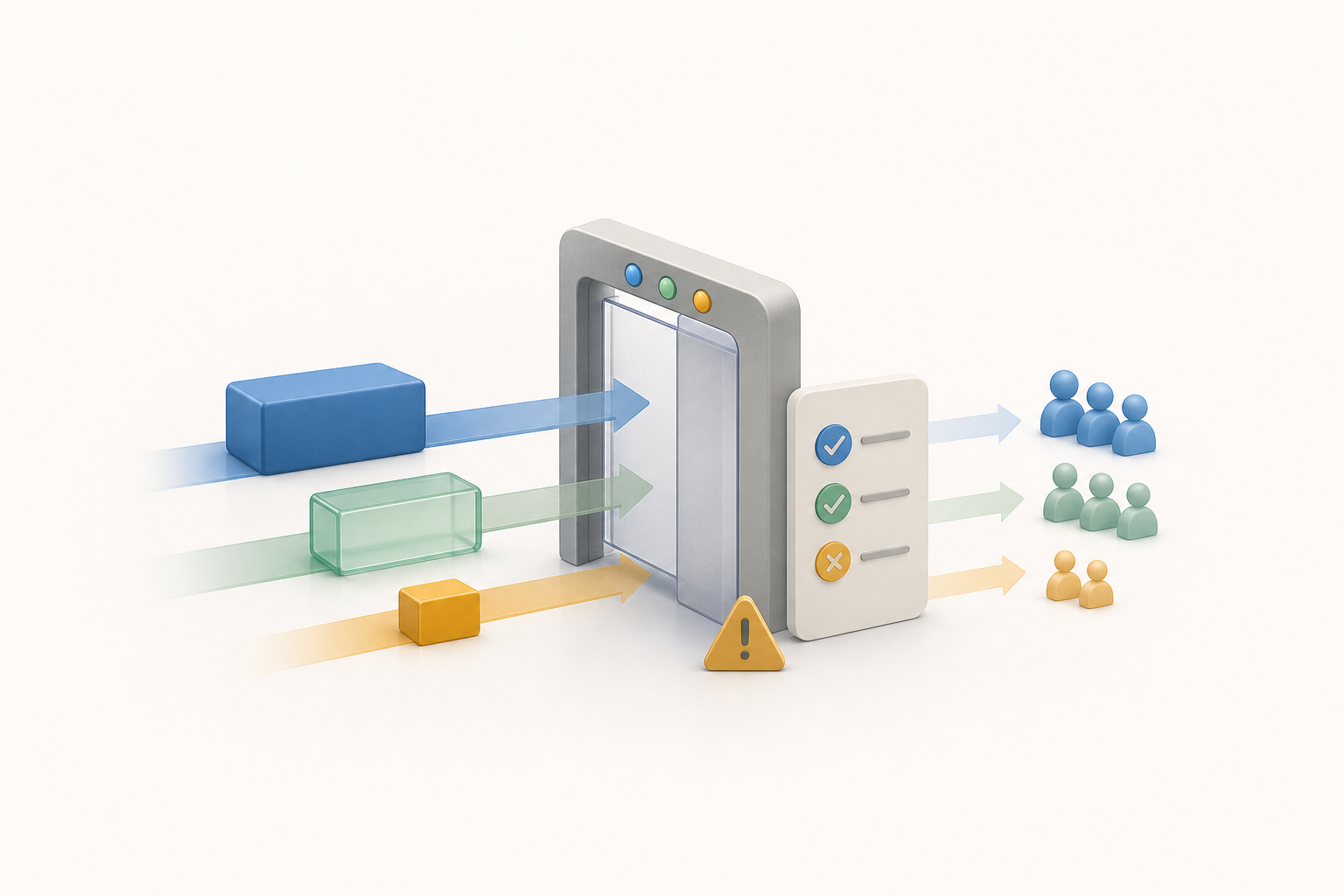
A strong browser compatibility strategy separates confidence levels. Stable browsers are your release gate. Beta browsers are your near-future risk scan. Canary or nightly browsers are your early-warning radar. Mixing those purposes creates noisy gates and unnecessary release anxiety.
| Browser channel | Primary QA purpose | Best test scope | How to treat failures |
|---|---|---|---|
| Stable | Confirm current user experience before release | Full critical regression suite, smoke tests, accessibility-critical flows, payment and authentication paths | Block release for confirmed severe defects |
| Beta | Detect likely near-term compatibility issues | Critical journeys, component smoke tests, browser-sensitive features, selected visual checks | Triage quickly; fix before the browser reaches stable when practical |
| Canary or nightly | Find early platform changes and upcoming breakage | Thin smoke suite, risky APIs, layout-sensitive pages, experiments, monitoring probes | Investigate patterns; do not block normal release unless the risk is imminent and severe |
This distinction is especially important for leadership communication. A canary failure does not automatically mean production is broken. It means the team has a signal to investigate. Conversely, a stable-channel failure in a core checkout, login, or document workflow is release readiness evidence that should trigger a serious go/no-go decision.
What Should Be Automated Versus Spot-Checked?
Automate the checks that must run repeatedly and are expensive to reproduce manually. Spot-check the behaviors that require human judgment, device nuance, or business context. The best release-readiness plan uses both.
Which flows belong in automated cross-browser suites?
Start with flows where browser differences create high customer risk. These typically include login, session renewal, checkout, form submission, file upload and download, search, content editing, media playback, print or export, and any feature using newer web platform APIs. If a failure would stop revenue, access, compliance, or customer support, automate it across stable browsers and sample it on beta.
Keep the canary suite smaller. A thin suite that runs reliably every day is more valuable than a large pre-release suite that nobody trusts. Canary automation should answer, “Did a browser change break our most important assumptions?” rather than “Is every detail of the application perfect?”
When is manual spot-checking still necessary?
Manual review remains useful for browser-native UI, visual polish, assistive technology interactions, complex drag-and-drop, print previews, password managers, payment handoffs, and permission dialogs. These areas often involve browser chrome, operating system integration, or third-party interfaces that are not fully represented in headless automation.
Manual testing is also valuable after a canary failure points to a suspicious area. For example, if a nightly Chromium build begins failing a file upload test, a tester may need to confirm whether the problem is a genuine browser change, a timing assumption in the test, a framework issue, or an environmental problem in the CI runner.
Version Pinning Reduces Noise, But It Can Hide Risk
Pinning browser versions in CI can make test results reproducible. That matters when a release candidate must be compared against the exact same environment over several days. However, pinning everything indefinitely creates a false sense of safety because the test environment slowly drifts away from the browser versions users actually receive.
A practical approach is to pin the release gate while running a separate update-discovery job. The gate remains stable enough to support deterministic release decisions, while the discovery job regularly updates browser binaries and reports new failures. This lets release engineers separate “the application changed” from “the browser changed.”
// Example Playwright project layout for channel-aware readiness checks
import { defineConfig, devices } from '@playwright/test';

export default defineConfig({
  testDir: './tests',
  retries: process.env.CI ? 1 : 0,
  reporter: [['html'], ['junit', { outputFile: 'results/browser-readiness.xml' }]],
  projects: [
    {
      name: 'chromium-stable-gate',
      use: { ...devices['Desktop Chrome'] }
    },
    {
      name: 'firefox-stable-gate',
      use: { ...devices['Desktop Firefox'] }
    },
    {
      name: 'webkit-stable-gate',
      use: { ...devices['Desktop Safari'] }
    },
    {
      name: 'chromium-beta-discovery',
      grep: /@critical|@browser-risk/,
      use: { channel: 'chrome-beta' }
    },
    {
      name: 'chromium-canary-radar',
      grep: /@smoke|@browser-risk/,
      use: { channel: 'chrome-canary' }
    }
  ]
});
This example is intentionally split by purpose. Stable projects are candidates for release gating. Beta and canary projects are risk discovery lanes. The exact channel support and setup requirements depend on the framework, operating system, and browser installation model, so teams should align implementation with the maintained documentation for their chosen tools.
Release Readiness Checklist for Browser Cadence Risk
Release readiness is more than a green pipeline. It is a decision that combines test results, known browser changes, user impact, monitoring readiness, and rollback options. A browser-aware checklist gives teams a shared language before the release meeting.
- Supported browser matrix is current: Confirm the browsers, versions, devices, and operating systems that matter for your user base and contractual commitments.
- Stable regression gate is clean or accepted: Review all failures in supported stable browsers and document any accepted risk with a clear owner.
- Beta scan has been reviewed: Treat beta failures as near-term risk, especially when they affect critical revenue, authentication, data entry, or regulated workflows.
- Canary signals are classified: Separate probable product defects, probable browser regressions, flaky tests, and environmental failures.
- Version changes are visible: Record browser and framework versions used in the release evidence so later investigations can reproduce the environment.
- Manual checks cover automation gaps: Include browser-native dialogs, responsive layout, accessibility-sensitive flows, and areas with known cross-browser compatibility issues.
- Production monitoring is ready: Make sure browser family and version are captured in error reporting, session replay, support intake, or analytics where privacy rules allow.
Monitoring Browser-Specific Regressions After Release
Even a disciplined pre-release strategy will miss some browser-specific problems. The safety net is observability that can slice failures by browser family, browser version, device type, and operating system. A generic “JavaScript errors increased” alert is less useful than “errors increased only on a new mobile browser version after a browser rollout.”
Useful browser-regression signals include client-side exception rates, failed network calls, abandoned form steps, payment drop-offs, media playback errors, layout-related support tickets, and screenshots or recordings from affected sessions when permitted. Pair these signals with deployment markers and browser release awareness so the team can distinguish an application deployment regression from an external browser update.
For teams selecting or refining their execution stack, a tool comparison should focus on browser coverage, update management, debugging artifacts, and CI integration rather than headline browser counts alone. A broader survey of cross-browser testing tools can help frame that evaluation, but release readiness still depends on how well the tools fit your cadence and risk model.
Common Pitfalls That Weaken Browser Readiness
Why do teams overreact to canary failures?
Canary builds are intentionally early and may include experimental or unstable changes. Treating every canary failure as a release blocker creates alert fatigue and slows delivery without proportionate customer protection. The better response is classification: determine whether the failure also appears in beta, whether it affects a critical flow, and whether there is a known browser issue or product assumption behind it.
How can browser update testing become too expensive?
Costs rise when every channel runs every test on every commit. Use risk-based scheduling instead. Run stable smoke tests on each change, full stable regressions before release, beta scans daily or on release candidates, and canary radar jobs on a smaller critical subset. This preserves useful signal without turning browser coverage into a bottleneck.
Another pitfall is ignoring non-functional compatibility. Browser changes can affect performance, accessibility behavior, cookie handling, storage, prompts, media policies, and responsive rendering. Cross-browser readiness should include key user experience checks, including accessibility-sensitive flows where browser and assistive technology combinations matter. For deeper coverage in that area, see our guide to accessibility testing techniques for cross-browser compatibility.
Key Takeaways
- Browser update cadence should be part of release planning because browser changes and application releases move independently.
- Stable, beta, and canary builds should not have the same release meaning: stable gates, beta warns, and canary provides early radar.
- Automate critical journeys across stable browsers and use smaller beta and canary suites to control cost and noise.
- Version pinning improves reproducibility, but a separate update-discovery lane is needed to avoid hidden compatibility risk.
- Release readiness requires documented browser versions, classified failures, manual checks for automation gaps, and monitoring after deployment.
- Post-release observability should segment errors and behavior by browser family and version to detect browser-specific regressions quickly.